Tags
Overview
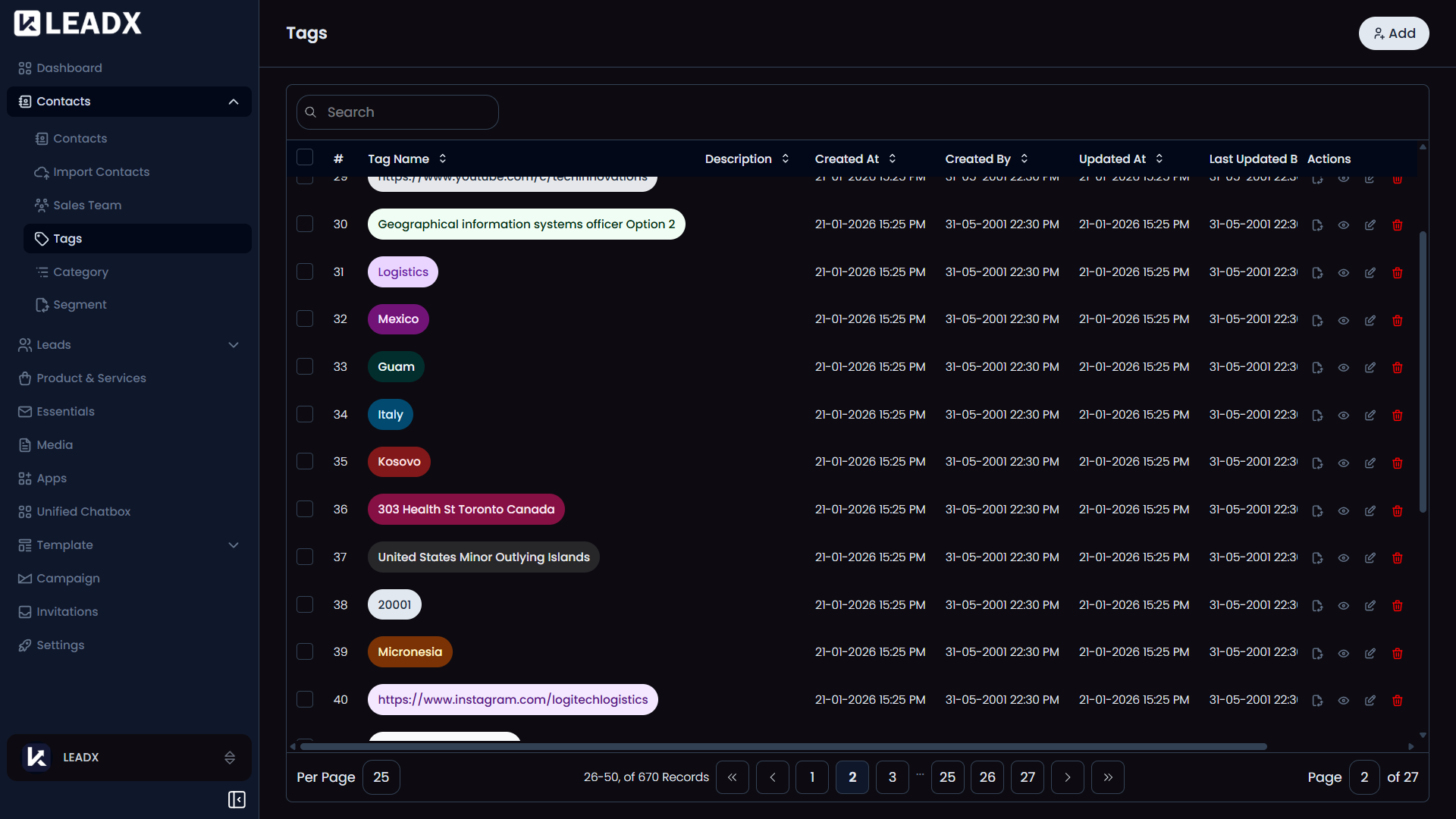
The Tags page is where you create labels to organize your contacts.
Tags help you group people in a flexible way. For example, you might create tags like India, Developer, VIP Client, Renewal Due, or Event Attendee.
You can add one or more tags to a contact to make filtering, grouping, and campaign planning easier.
How To Open Tags
Go to Sidebar > Contacts > Tags.
What You Can Do On This Page
- Create a new tag
- View all existing tags
- Edit a tag if you need to rename or update it
- Delete tags you no longer need
- Use tags later while creating segments and campaigns
Main Parts Of The Page
Top Section
At the top of the page, you will see an Add button to create a new tag.
Tag List
The page shows all your saved tags in one list.
For each tag, you can usually see:
- The tag name
- A short description
- How often the tag is being used
You can also open a tag to view, edit, or delete it.
Helpful Notes
- A contact can have multiple tags at the same time
- Tags are useful when you want more flexible grouping than categories
- You can use tags later to build Segments for campaigns or follow-ups