Delete Segment
Overview
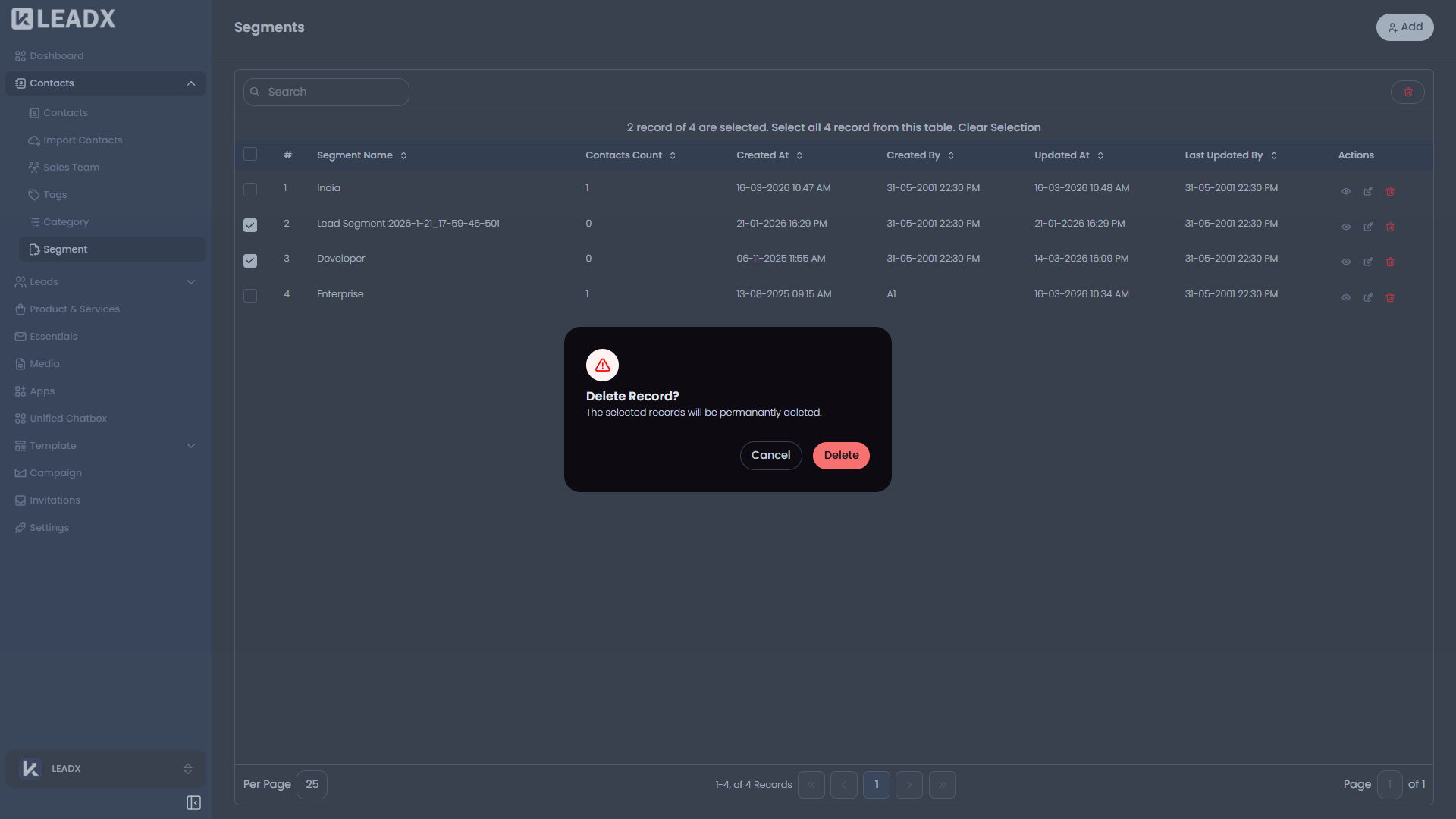
Segments are deleted from the Segments list, not from a separate page.
How To Delete A Segment
- Open the Segments page.
- Find the segment you want to remove.
- Click
Deleteon that row. - Confirm the action in the popup.
Important Notes
- Access is available only to users who can delete segments.
- The delete popup is used to prevent accidental removal.