Product & Services
Overview
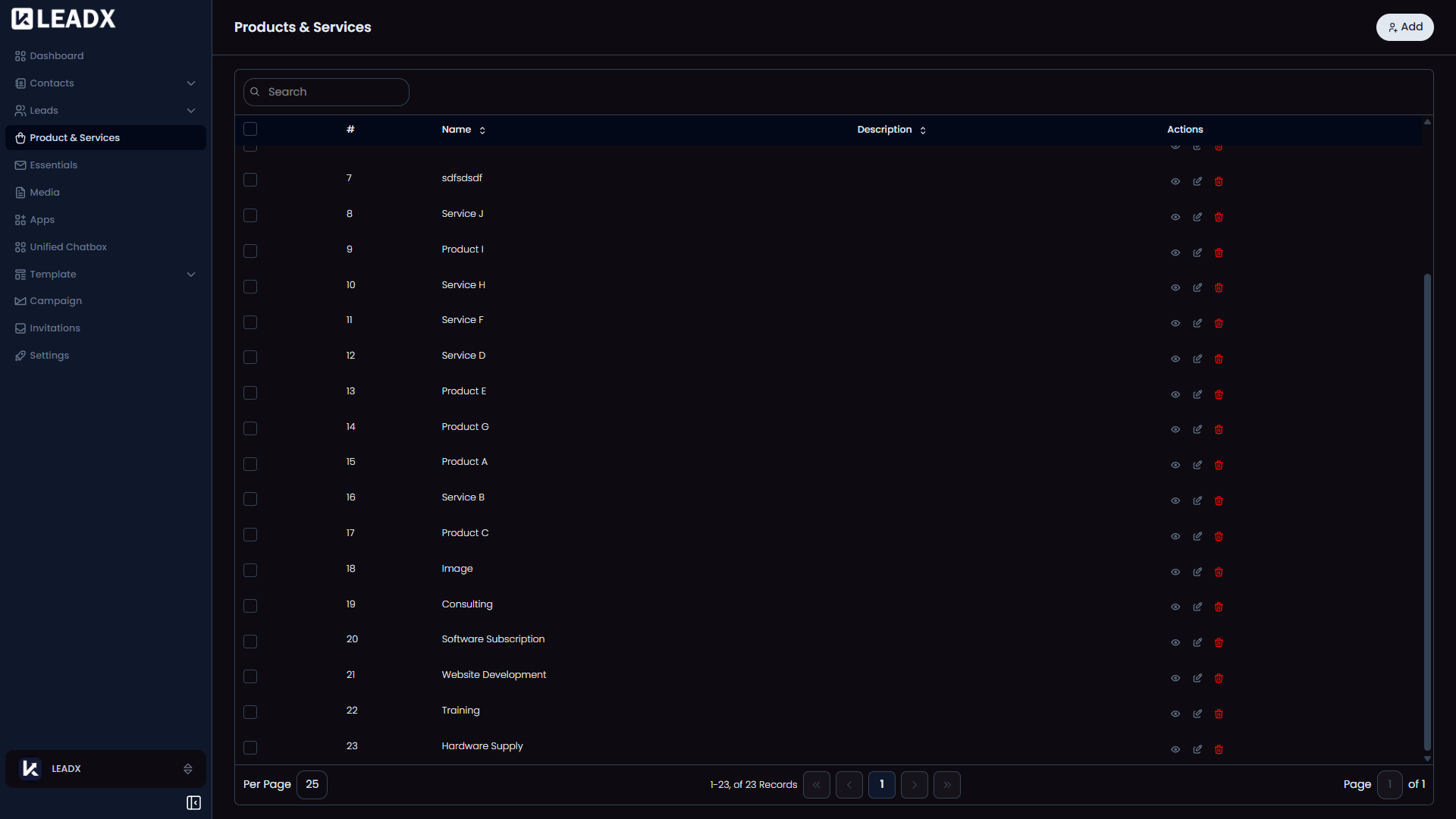
The Product & Services page is where you store the products or services your business offers.
These are often used in leads so your team can quickly understand what a person is interested in. For example, a lead might be linked to Website Design, SEO Service, CRM Setup, or Annual Support Plan.
How To Open Product & Services
Go to Sidebar > Product & Services > Product & Services.
What You Can Do On This Page
- Add a product or service
- View all saved records
- Search and sort the list
- Open a record to view or update it
- Delete records you no longer need
Main Parts Of The Page
Top Section
At the top of the page, you will see an Add button to create a new product or service.
Product & Service List
The page shows all your saved products and services in one list.
You can open any record to view, edit, or delete it.
Helpful Notes
- These records help your team understand why a lead was created
- A lead can be connected to the product or service the person asked about
- The fields shown on this page can vary based on your Product & Service Fields setup