Campaigns
Overview
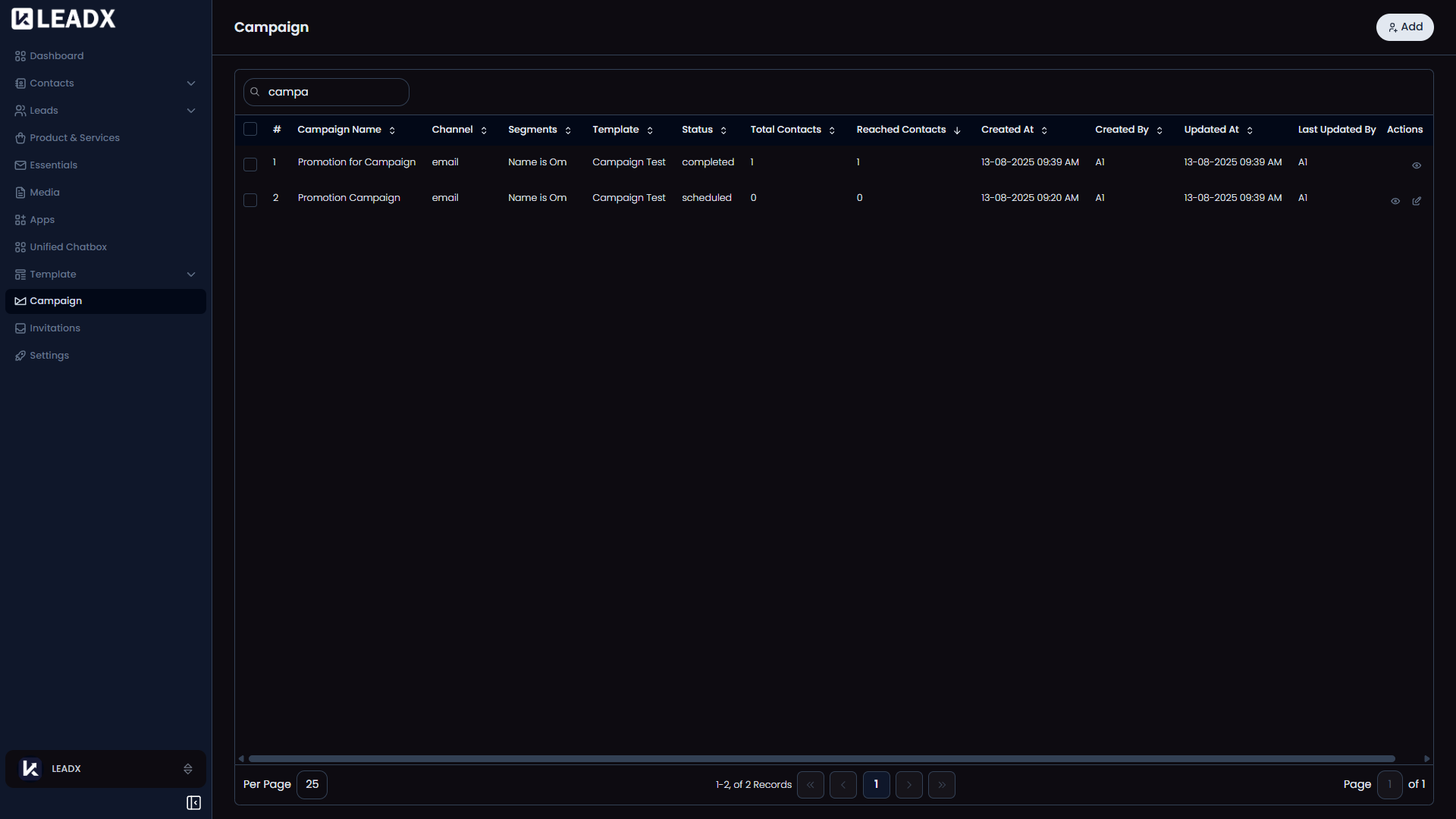
The Campaign page is where users manage saved and active campaigns. It gives a quick view of what each campaign is for, who it targets, what message it uses, and how far it has progressed.
Access
- Navigation path:
Sidebar > Campaign - Route:
/campaign - Access: available to users who can view campaigns.
What Users Can Do
- create a campaign
- review campaign progress
- open a campaign to view details
- edit campaigns that are still allowed to be changed
- continue a failed campaign when that option appears
Page Layout
- Main button:
Add - The table shows:
- campaign name
- channel
- selected segments
- template
- status
- total contacts
- reached contacts
- created and updated details
- Row actions include:
Helpful Notes
Continue Againappears when a failed campaign can be retried.- Edit is available only when the campaign is still in a state that can be changed.