Add A Campaign
Before You Start — Prerequisites
A campaign sends real messages to real people, and it needs three things in place before it can run. Set these up first, or the wizard will not let you finish.
| You need | Where to set it up | Why |
|---|---|---|
| A sending account | SMTP for email, WhatsApp for WhatsApp | The campaign has to send from somewhere |
| A template | Email Templates or WhatsApp Templates | Step 2 asks you to pick one; you cannot write the message inside the campaign |
| An audience | Segments, Tags, Categories, or Contacts | Step 1 requires at least one audience source |
For WhatsApp, the template must already be approved by Meta. A template still awaiting approval cannot be used to send.
The Wizard
Creating a campaign takes three steps: Campaign Setup, Content & Messaging, and Schedule & Delivery.
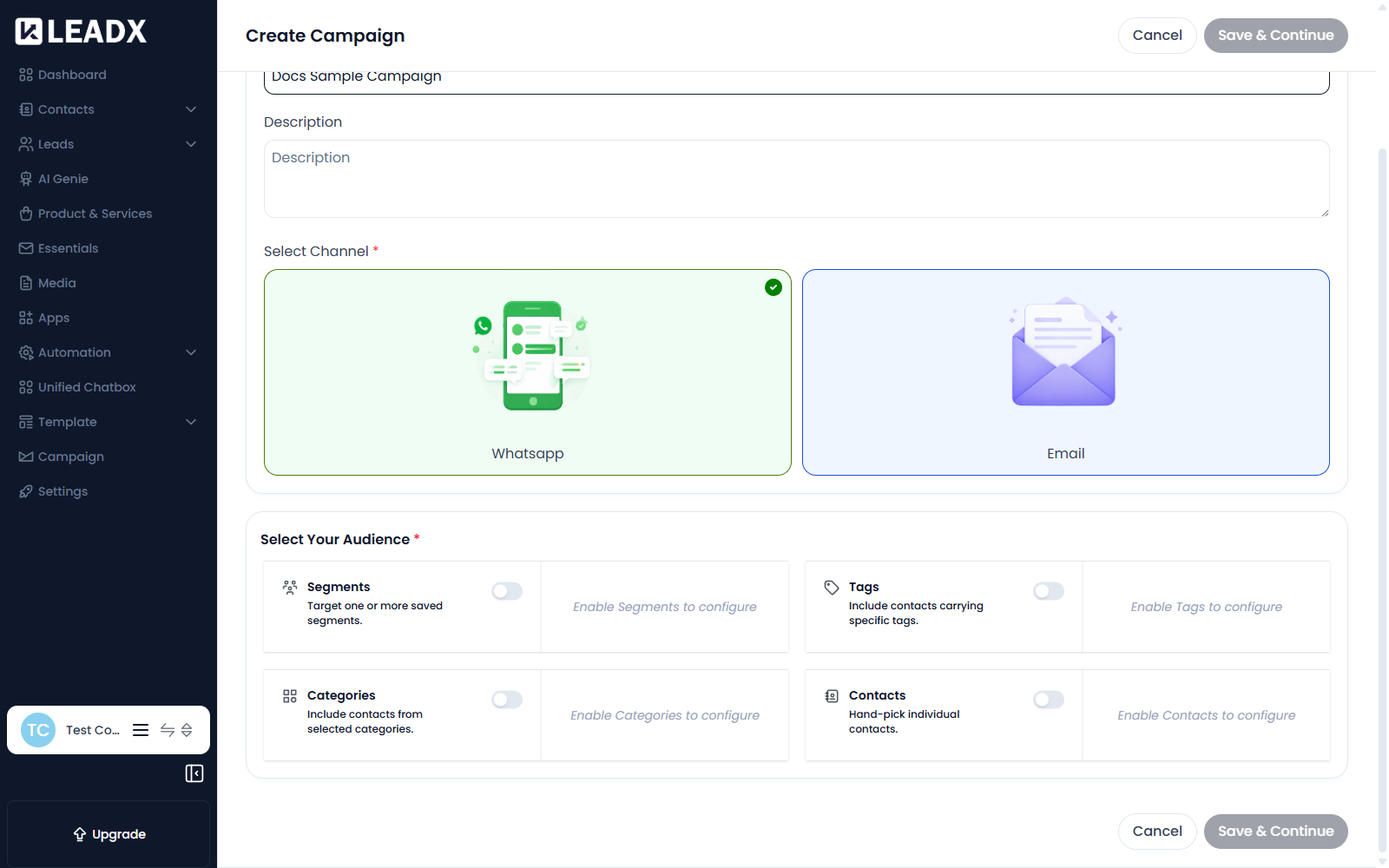
Step 1 — Campaign Setup
Who the campaign is for, and how it will reach them.
| Field | What it does |
|---|---|
| Campaign Name (required) | How you will recognise the campaign. Recipients never see it. |
| Description | An internal note about the campaign's purpose. |
| Select Channel (required) | Email or Whatsapp. This decides which kind of template step 2 offers, so choose it before moving on. |
Select Your Audience (required)
Four ways to build the audience. Each is switched on before you can configure it, and everything you enable is combined — a contact matching any enabled source is included.
| Source | What it adds |
|---|---|
| Segments | Target one or more saved segments. |
| Tags | Include contacts carrying specific tags. |
| Categories | Include contacts from selected categories. |
| Contacts | Hand-pick individual contacts. |
Until a source is switched on it shows "Enable Segments to configure" and cannot be edited.
Segments are the most reusable option — build the audience once in Segments and point several campaigns at it. Check the segment actually matches people first; a segment matching nobody cannot be used to send.
Click Save & Continue.
Step 2 — Content & Messaging
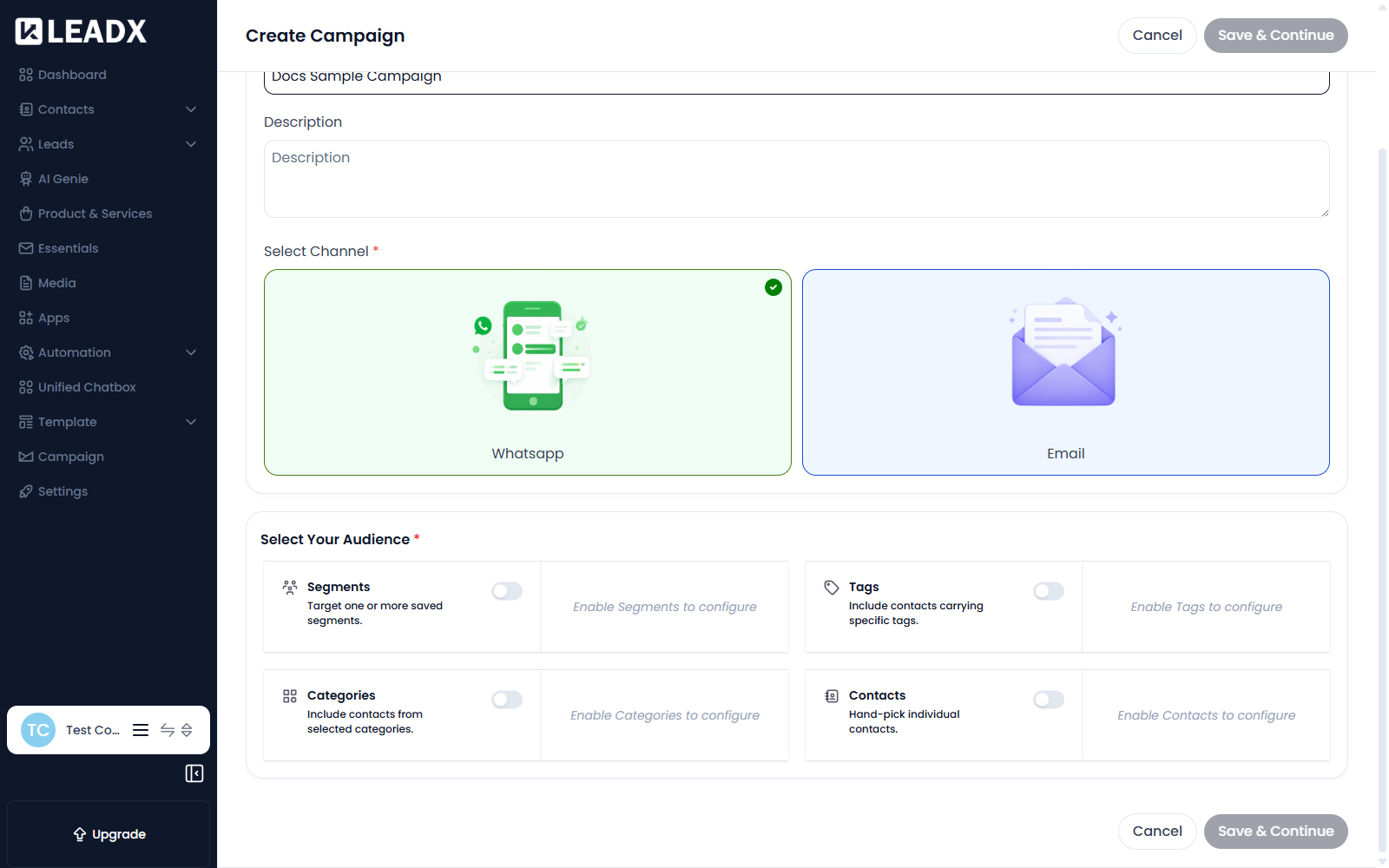
Message Setup
Template — pick the message this campaign sends. The list shows templates matching the channel you chose in step 1.
If nothing appears here, you have not created a template for that channel yet — go to Email Templates or WhatsApp Templates first.
Template Preview
Shows the chosen template as it will appear to a recipient. Use it to check your wording and formatting before sending to anyone.
Test Campaign
Sends a single test message to an address or number you specify, so you can see the real thing before the campaign goes out.
- Recipient Email ID — for an email campaign
- Recipient Contact Number — for a WhatsApp campaign
Then click Test Campaign.
Always send a test first. It is the only way to see how the template actually renders before it reaches your whole audience.
Click Save & Continue.
Step 3 — Schedule & Delivery
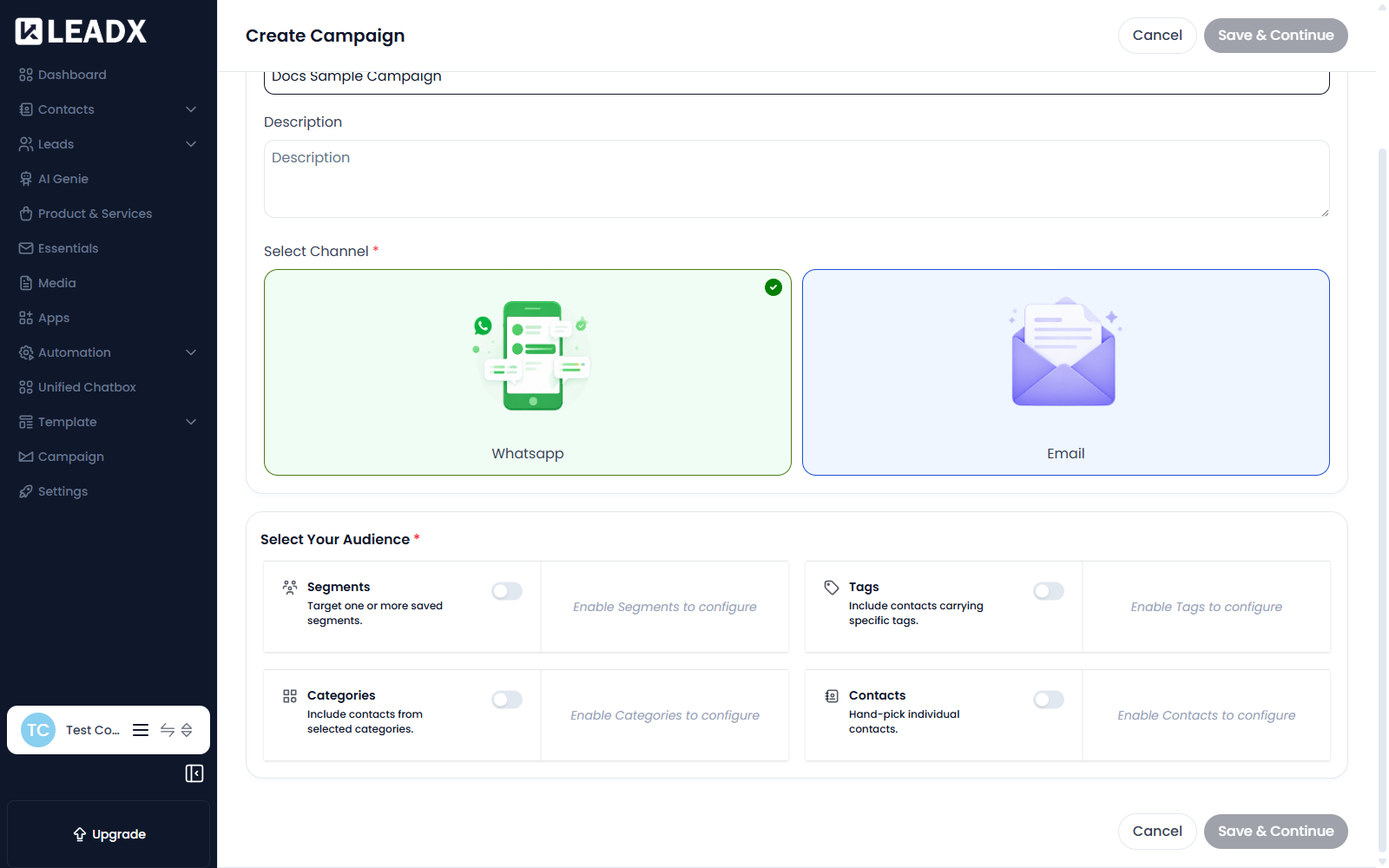
Delivery Timing Settings
Delay Between Contacts — how long to wait between each message, as a number plus a unit of Seconds, Minutes or Hours.
Spacing messages out avoids hitting your provider's sending limits and looks less like bulk mail. For a large audience, a delay of a few seconds is usually sensible.
Delivery Type — choose whether to send the campaign immediately or schedule it for a later time.
| Option | What happens |
|---|---|
Send Immediately | Your campaign will begin sending as soon as you click Start Campaign. |
Schedule for Later | Choose a date and time to begin sending your campaign. |
Start Date & Time / End Date & Time — when the campaign should begin and stop.
Delivery Hours
Start Time and End Time — the daily window the campaign is allowed to send in. Use this to keep messages inside business hours rather than arriving overnight.
Delivery Days
The days of the week the campaign may send on — for example weekdays only.
Finishing
On the final step you have three choices:
| Button | What it does |
|---|---|
Back | Return to the previous step |
Save Draft | Save the campaign without sending anything |
Launch Campaign | Put the campaign live |
Launch Campaign is the point where real messages start going to real people. A campaign is always created stopped, so nothing is sent while you are building it — but once launched, sent messages cannot be recalled. Confirm the audience size and send a test first.
Helpful Notes
- Save a draft at any point and come back to it — nothing sends until you launch.
- The audience is evaluated when the campaign runs, so a segment that grows between building and launching will reach the larger group.
- To change a campaign after creating it, see Edit A Campaign.