Invitations
Overview
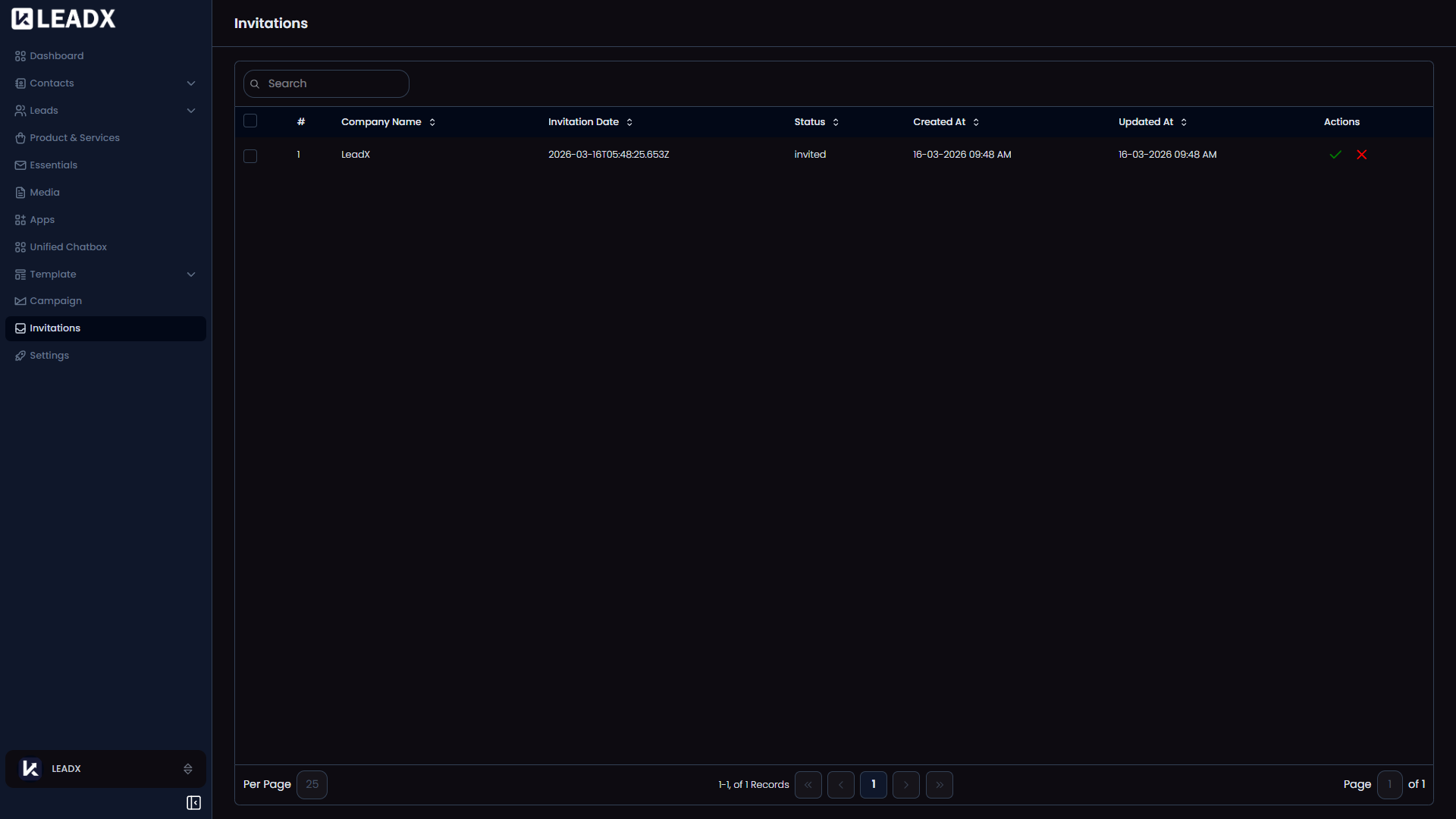
The Invitations page shows inbound company invitations for the signed-in user and allows them to accept or decline pending invitations.
Access
- Navigation path:
Sidebar > Invitations - Route:
/invitations
Table Columns
- Company Name
- Invitation Date
- Status
- Created At
- Updated At
Actions
Acceptappears only when status isinvitedDeclineappears only when status isinvited
Outcome
- Accept marks the invitation as accepted and adds the company to the user account.
- Decline marks the invitation as rejected.
- Accepting adds the new membership into frontend state immediately