Member Settings
Overview
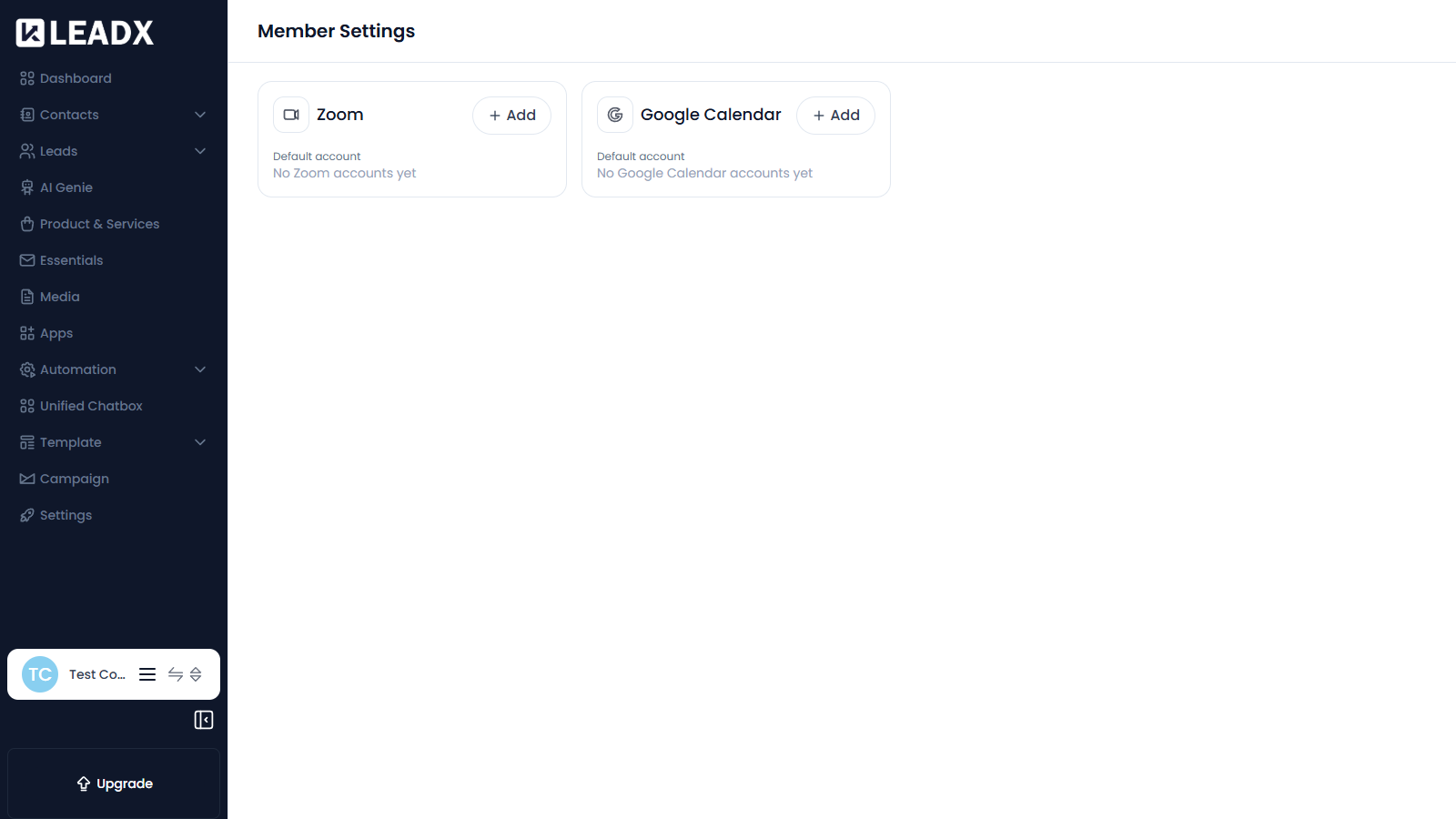
Member Settings is where you connect your own personal accounts to LeadX. These connections belong to you as a member, not to the whole company, and are used when LeadX needs to act on your behalf — for example creating a meeting in your calendar.
Access
- Navigation path:
Sidebar > Settings > Basic Settings > Member Settings - Route:
/member-settings - Access: available to every logged-in member.
Accounts You Can Connect
- Zoom — used when a meeting is scheduled with Zoom as the provider
- Google Calendar — used to place meetings in your calendar
Steps To Connect An Account
- Find the section for the account you want, for example
Zoom. - Click
Add. - Sign in to that service and allow LeadX access.
- The connected account then appears in the section.
Setting A Default Account
If you connect more than one account of the same type, use the Default account option to choose which one LeadX should use.
Helpful Notes
- Until you connect anything, each section shows a message such as No Zoom accounts yet.
- These accounts are personal to you — other members connect their own.