Contacts
Overview
LeadX is a full-fledged CRM designed to help businesses capture, manage, and convert leads efficiently.
It is a communication-first CRM with strong automation capabilities.
A Contact is a person or company you want to save in your CRM.
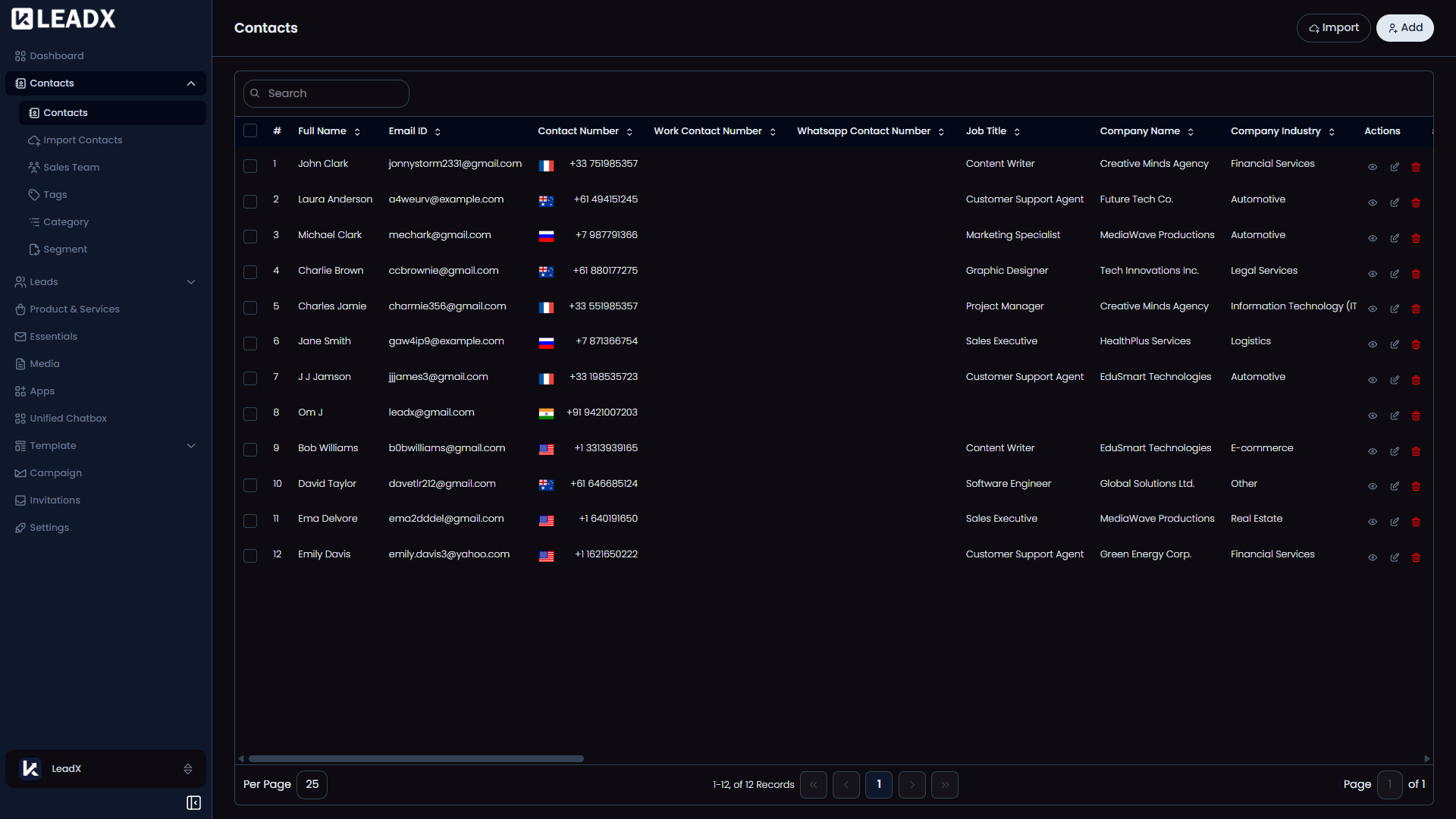
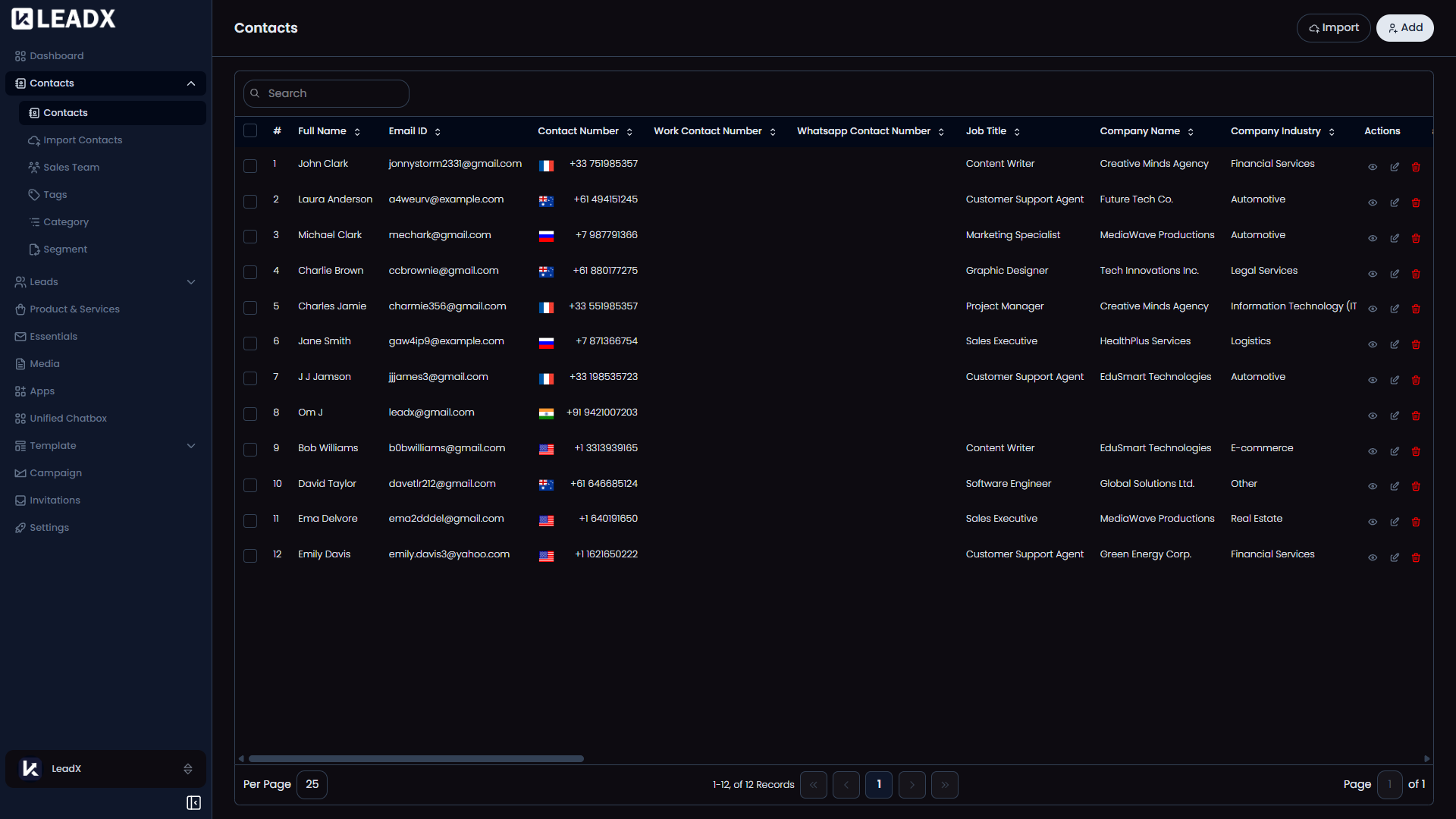
The Contacts page helps your team keep all contact details in one place, such as name, phone number, email address, and other important information.
You can use this page to add new contacts, import contacts in bulk, update existing records, and remove contacts you no longer need.
Add A Contact
Click Add to open the contact form.
Use this option when you want to create one contact manually.
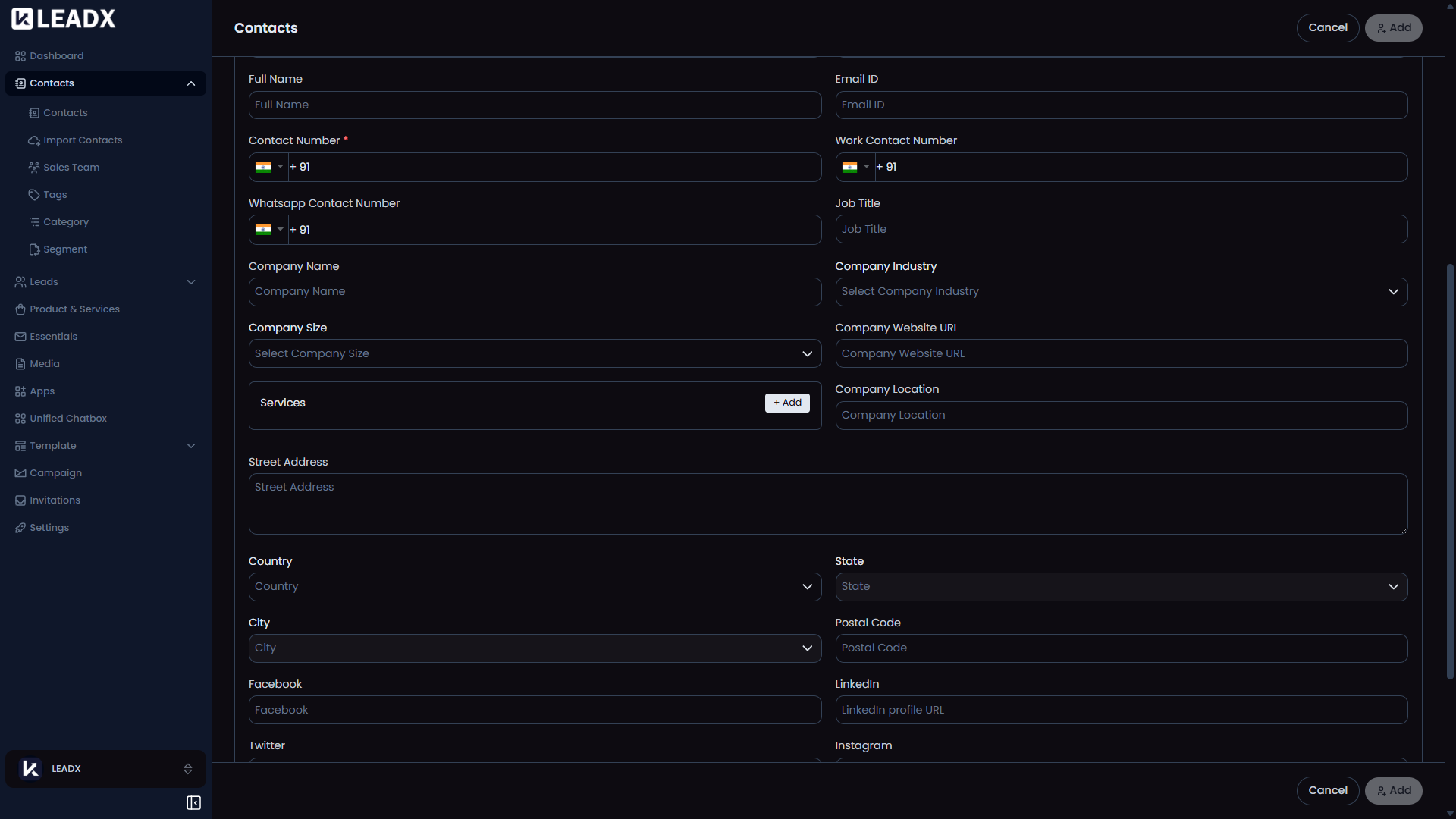
Steps To Add A Contact
- Click
Add. - Enter the contact details.
- Fill in any required fields.
- Click
Addto save the contact.
After saving, the contact is added to your contacts list.
Import Contacts
Click Import when you want to add many contacts at once.
This is useful when you already have contact data in Excel or CSV format.
View Or Edit A Contact
Open any contact from the list to view its details.
If you need to make changes, use the edit option to update the contact information.
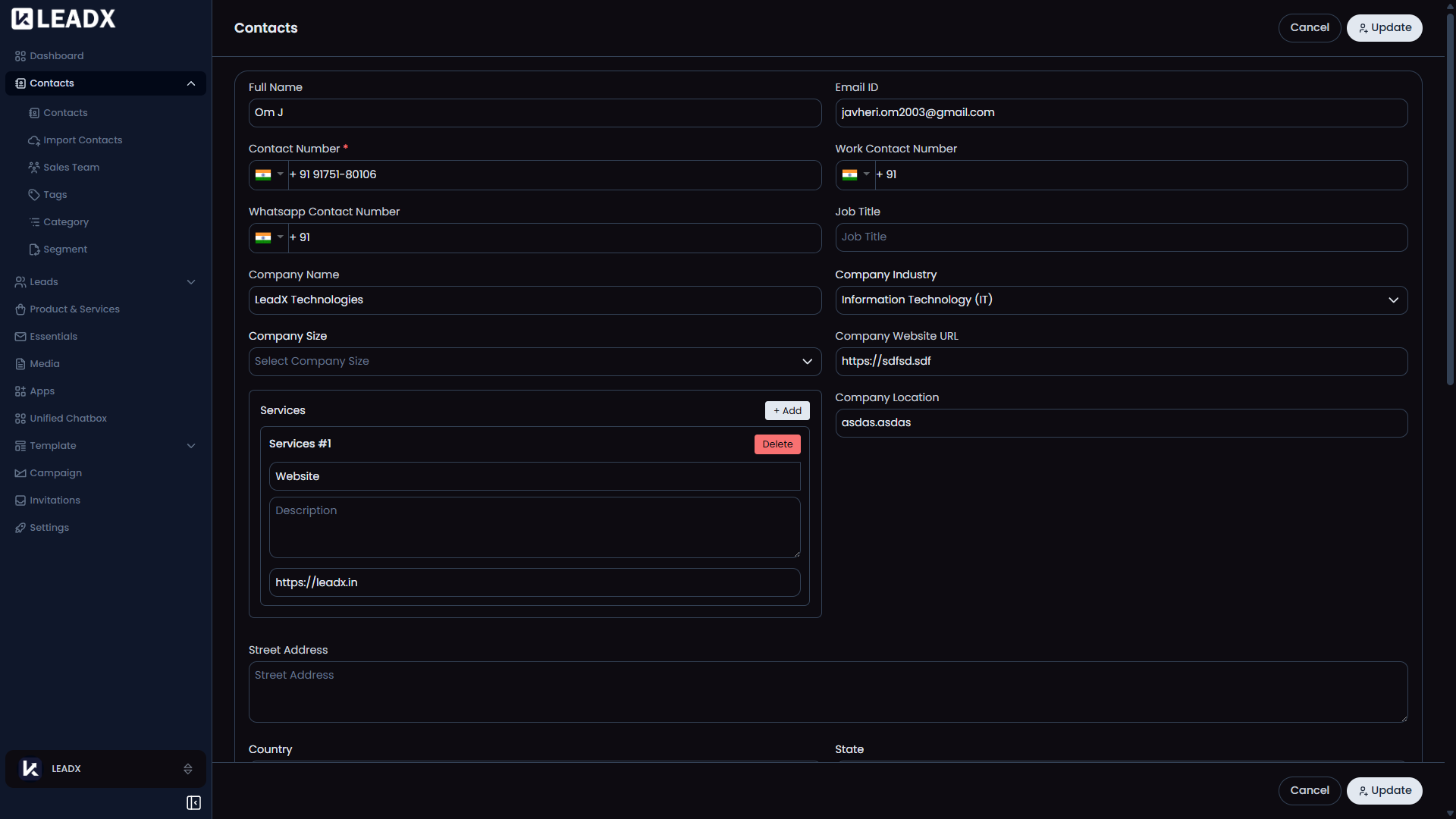
Steps To Edit A Contact
- Find the contact in the list.
- Open the contact or click
Edit. - Update the required information.
- Click
Updateto save your changes.
The updated details will appear in the contacts list.
Delete A Contact
You can delete a contact directly from the Contacts list.
You can remove one contact or select multiple contacts and delete them together.
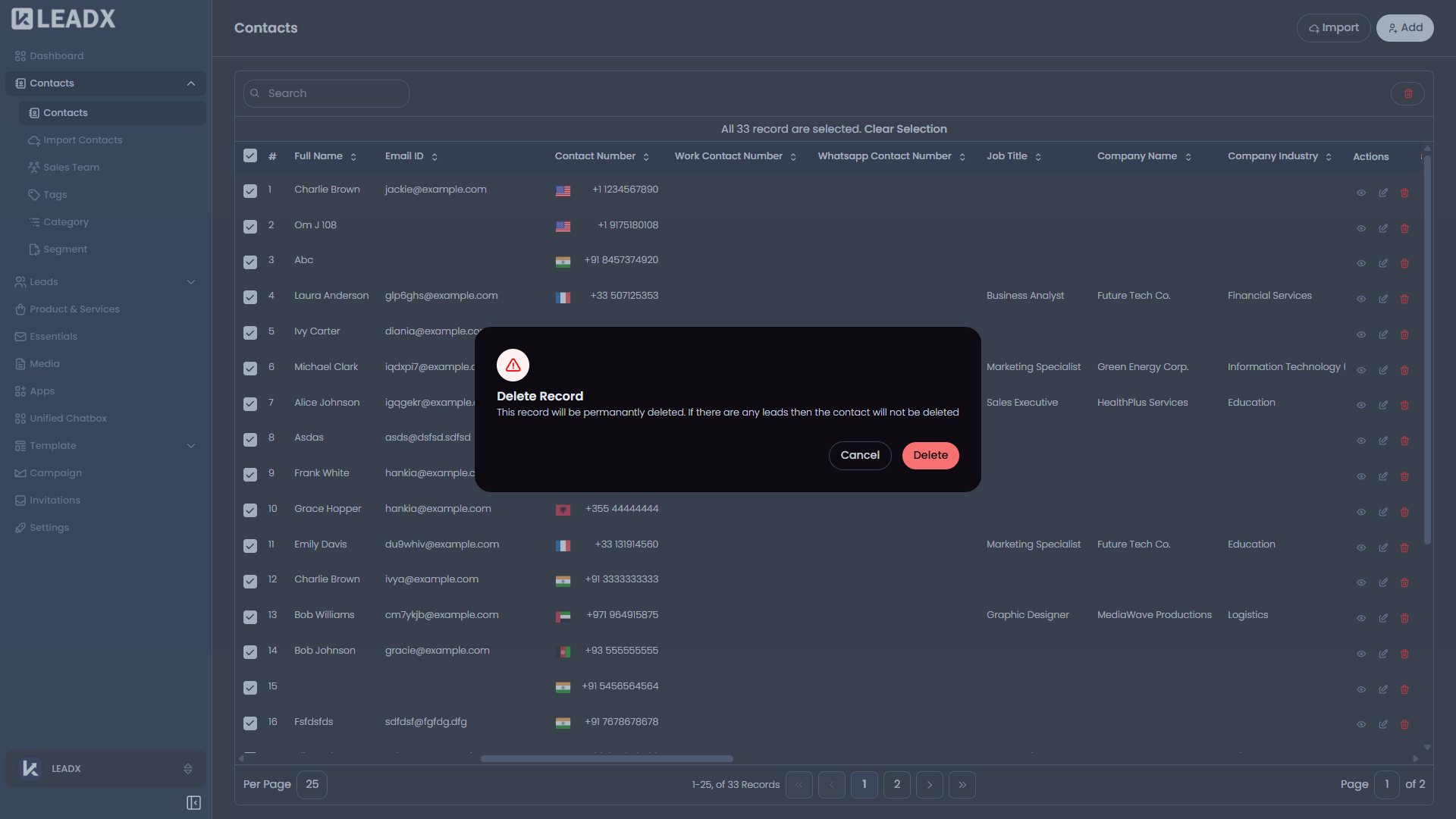
Steps To Delete A Contact
- Select the contact you want to delete.
- Click
Delete. - Confirm the action in the popup.
The contact is removed from the list after deletion.
Helpful Notes
- Some fields may vary depending on your company setup
- Some actions may depend on your access permissions
- Contact fields can be managed from Contact Fields