Add, Edit, And Delete Categories
Overview
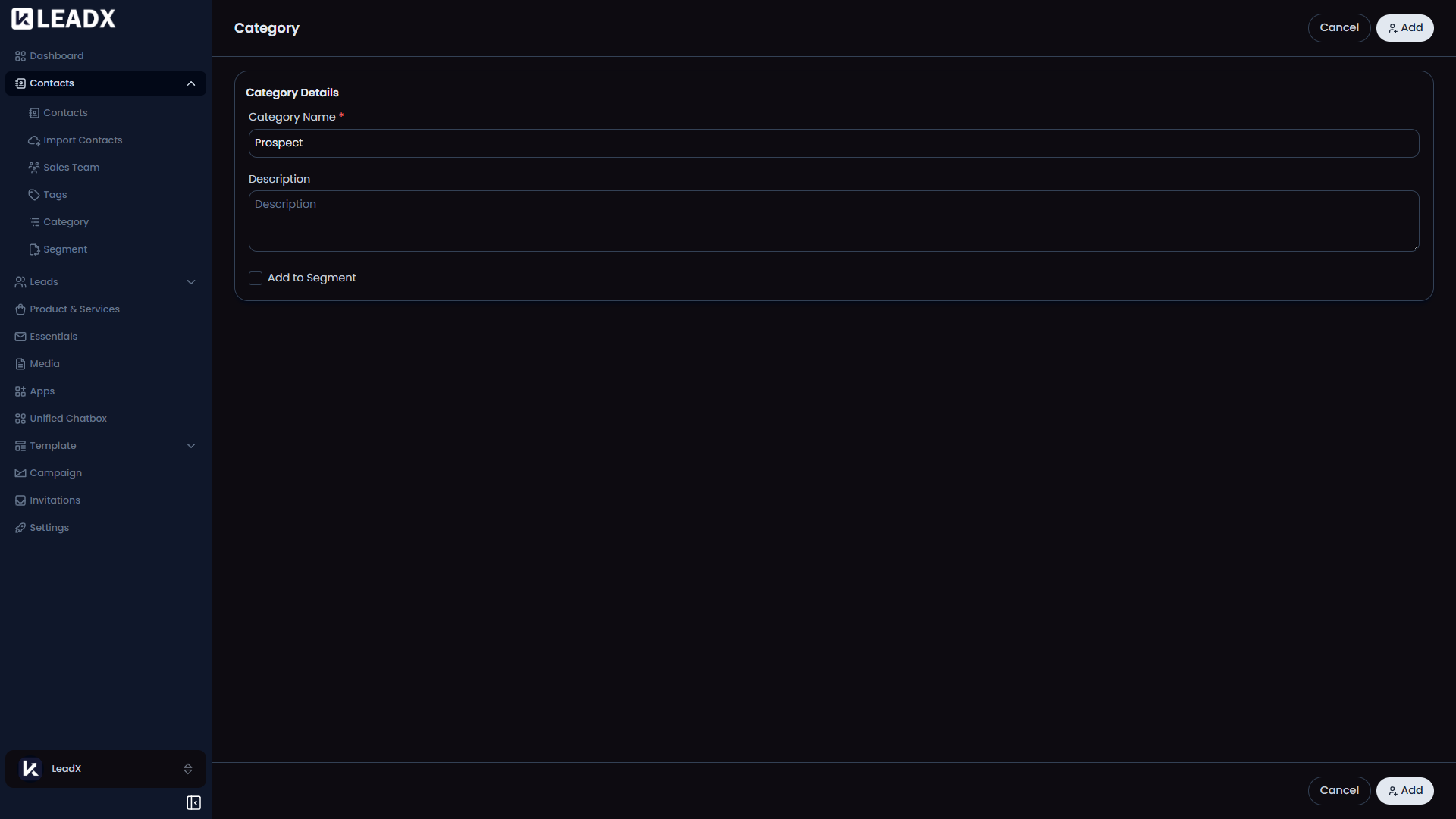
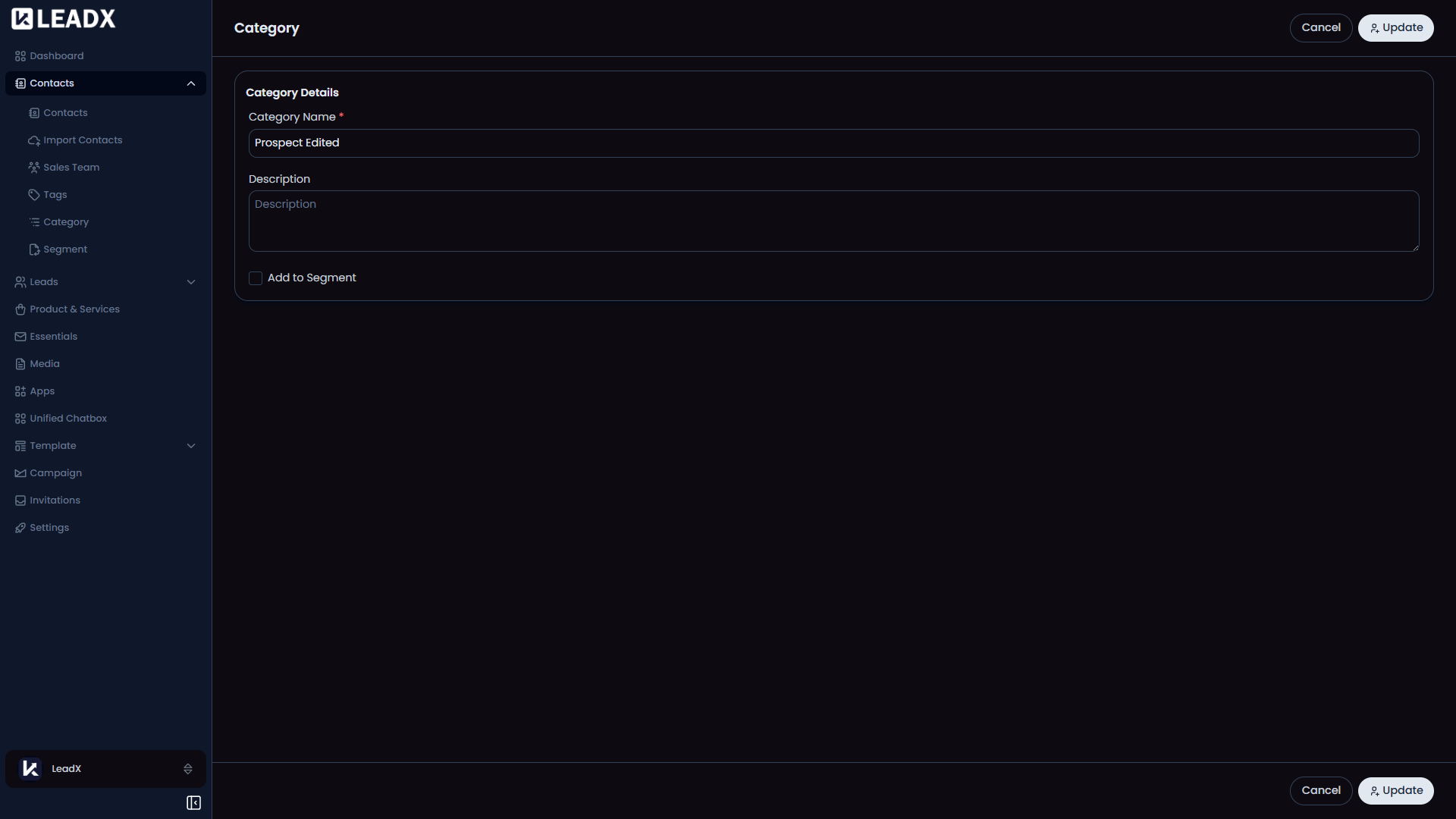
The same category form is used when adding, editing, or viewing a category. This keeps the experience simple because the layout stays the same and only the action changes.
Access
- Add:
/add-category - Edit:
/edit-category/:id - View:
/view-category/:id
Form Fields
Category NameDescriptionAdd to Segment
What The User Sees
- In add mode, the main button is
Add. - In edit mode, the main button is
Update. - In view mode, the form is read-only.
CancelorBackreturns to the category list.
Important Behavior
- The save button stays disabled until the category name is entered.
- After saving, LeadX returns to the Category page.
Delete
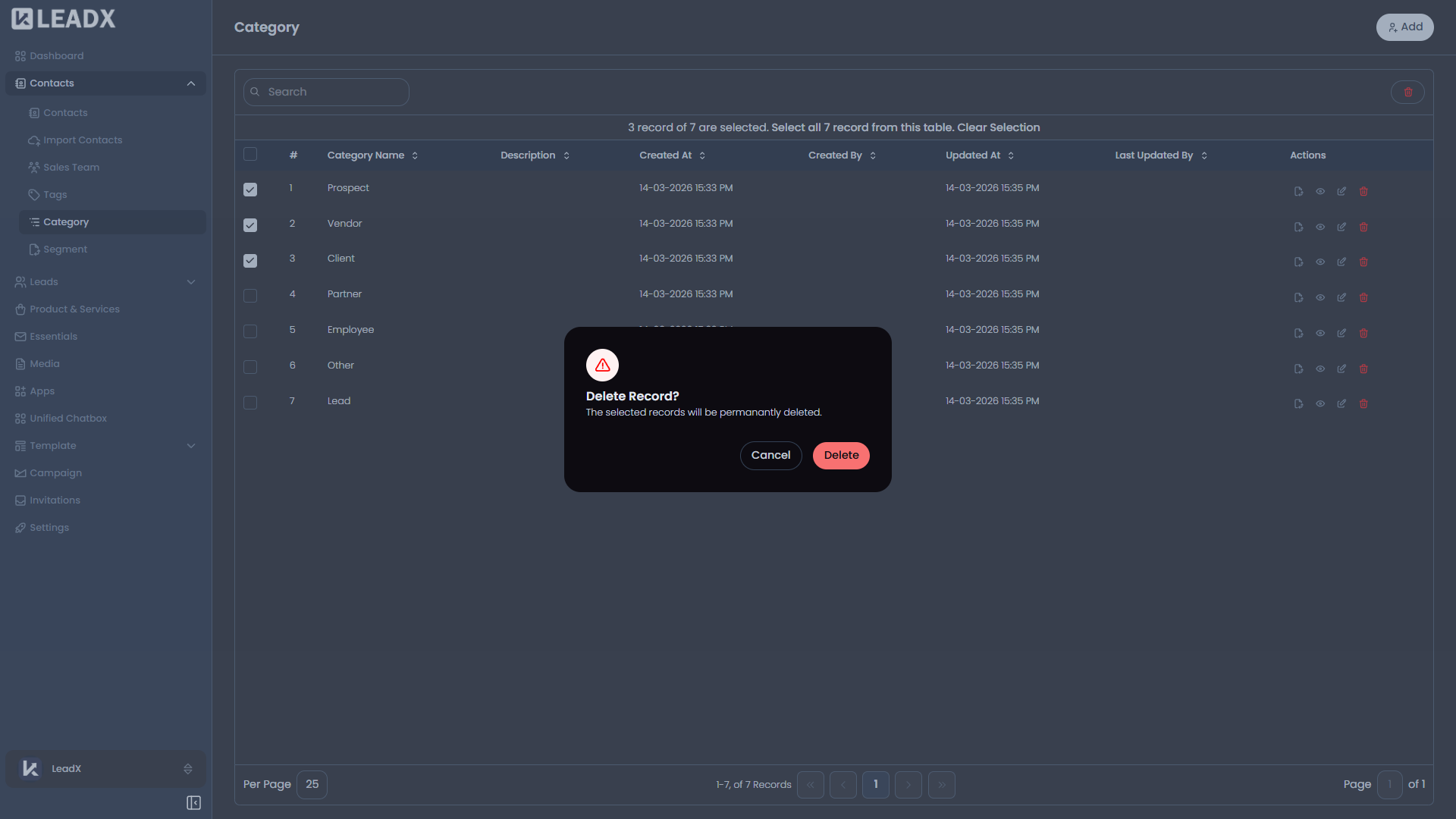
Category deletion happens from the Category list.
- Open the Category page.
- Click
Deleteon the row you want to remove. - Confirm the action in the delete popup.