Segments
Overview
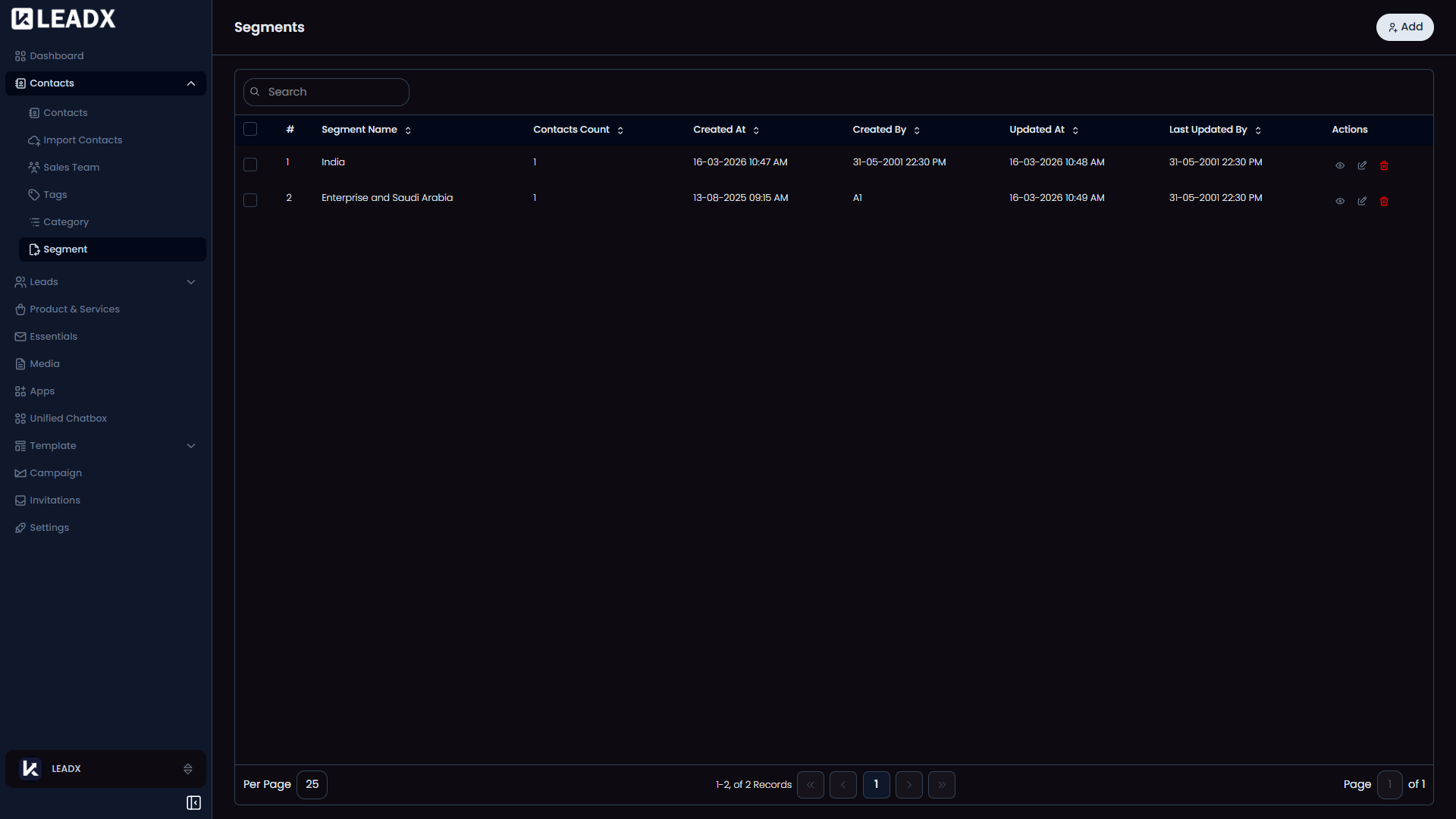
The Segments page is where you create saved contact groups.
A segment helps you collect the right contacts together based on filters such as tags, categories, location, or other contact details.
These saved groups are especially useful when you want to use the same audience again in campaigns or other follow-up work.
How To Open Segments
Go to Sidebar > Contacts > Segment.
What You Can Do On This Page
- Create a new segment
- View saved segments
- Edit a segment when your audience changes
- Delete segments you no longer need
Main Parts Of The Page
Top Section
At the top of the page, you will see an Add button to create a new segment.
Segment List
The page shows all your saved segments in one list.
For each segment, you can usually see:
- The segment name
- How many contacts are in that segment
You can also open a segment to view, edit, or delete it.
Helpful Notes
- Segments save time because you do not need to choose the same contacts again and again
- They are commonly used for campaigns, follow-ups, and targeted communication
- You can build segments using filters like tags, categories, and other contact information