Apps Overview
Overview
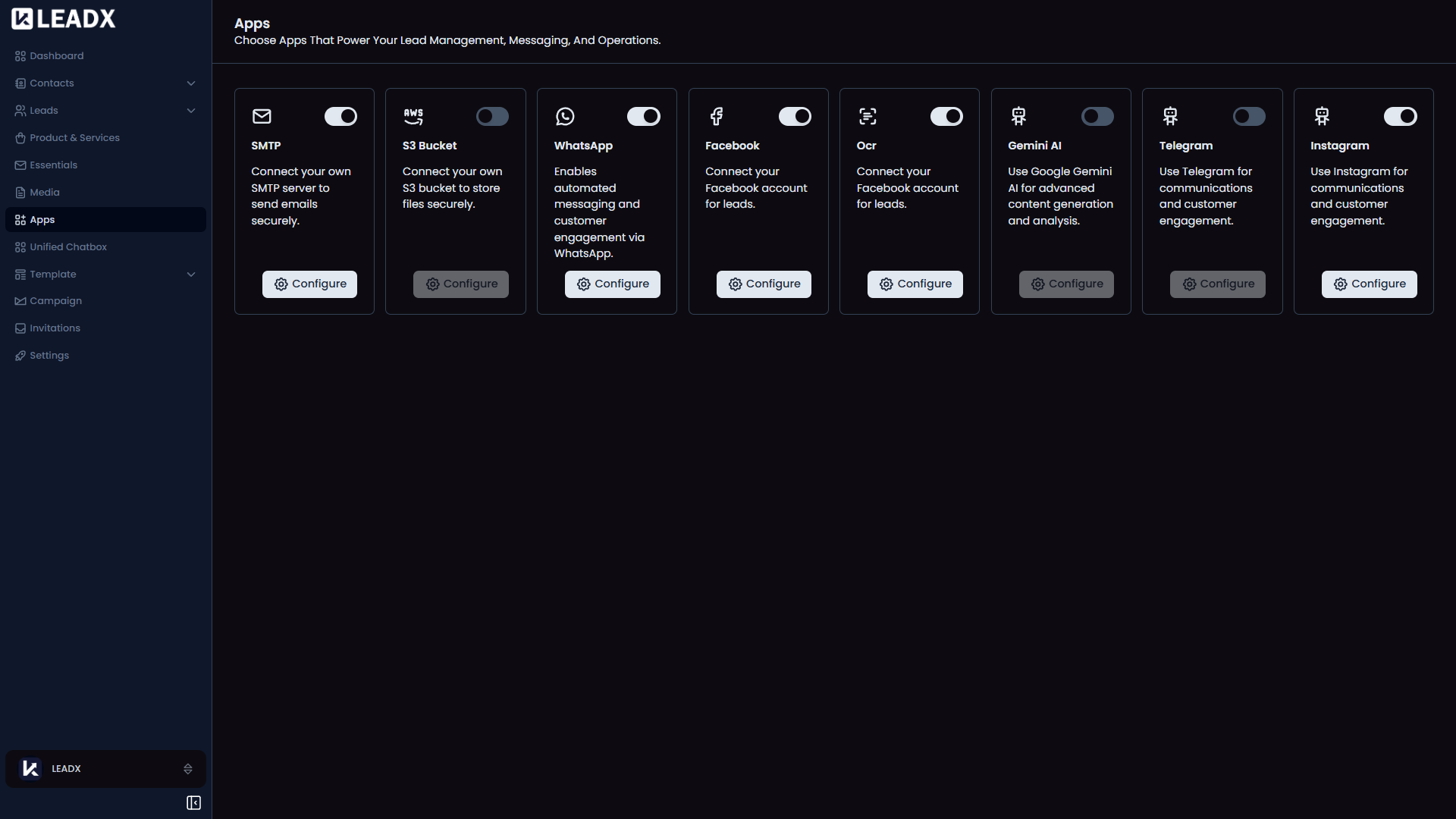
The Apps page is where you connect extra services to LeadX.
These apps work like add-ons. They help LeadX handle messaging, lead collection, file storage, scanning, and other tasks.
How To Open Apps
Go to Sidebar > Apps.
What You Can Do On This Page
- See which apps are available
- Open an app to set it up
- Manage apps you already connected
- Turn useful integrations on for your business workflow
Apps You May See Here
WhatsAppfor unified chatbox and campaignsFacebook Lead Formfor collecting leads from FacebookSMTPfor email sending in unified chatbox and campaignsAWS S3for storing media files in your own AWS accountOCRfor turning image text into usable data, such as when scanning business cardsInstagramfor unified chatbox
Helpful Notes
- Some features in LeadX work only after the related app is connected
- Once an app is set up, you can manage it from its own page
- Different businesses may use different apps depending on their needs