Telegram
Overview
Connecting Telegram lets LeadX send and receive messages through a Telegram bot, so conversations started on Telegram reach your team in LeadX alongside your other channels.
Access
- Navigation path:
Sidebar > Apps > Telegram - Route:
/apps/telegram
Prerequisites
You need a Telegram bot and its token. Bots are created in Telegram itself:
- Open Telegram and start a chat with @BotFather.
- Send
/newbotand follow the prompts to name your bot. - BotFather replies with a bot token — a long string. Copy it.
The token is what lets LeadX act as that bot, so treat it like a password.
Connect Telegram
Click Add.
| Field | What it does |
|---|---|
| Name (required) | A name for this connection inside LeadX, so you can tell it apart from other bots. |
| Bot Token (required) | The token BotFather gave you. |
Steps
- Create a bot with @BotFather and copy its token.
- In LeadX, go to
Sidebar > Apps > Telegram. - Click
Add. - Enter a Name and paste the Bot Token.
- Click
Add.
Table Details
| Column | Meaning |
|---|---|
| Name | The connection's name |
| Bot Token | The token in use, partly hidden |
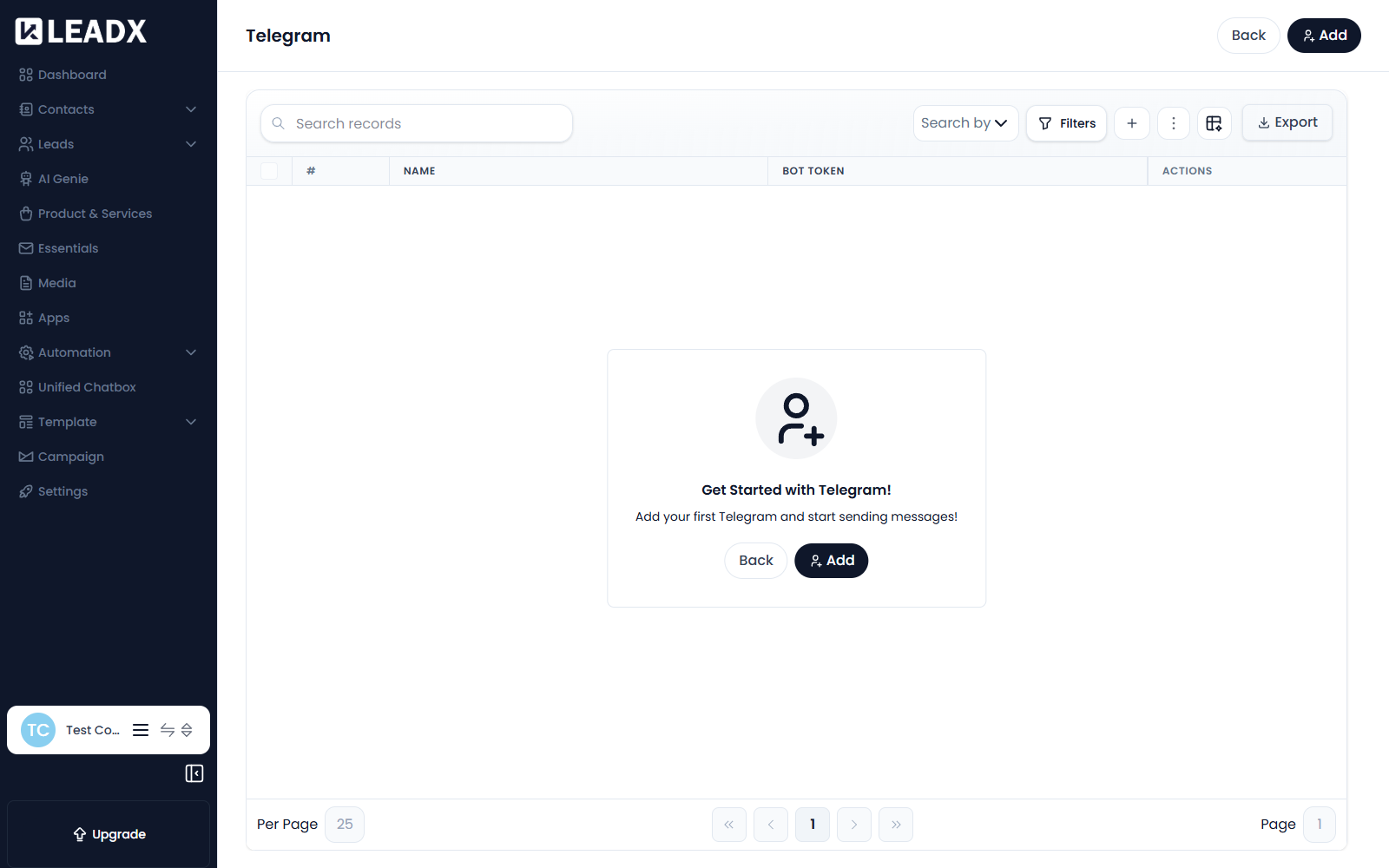
| Actions | View, edit and delete controls |
Edit Or Delete A Connection
Use the row actions to change the name or token, or remove the connection. Removing it stops LeadX sending or receiving anything through that bot.
Helpful Notes
- Before anything is connected the page shows Get Started with Telegram!
- If you regenerate the token in BotFather, the old one stops working — update it here too.
- Conversations that arrive through the bot appear in Unified Chatbox with your other channels.
- A bot can only message people who have started a chat with it first — Telegram does not allow unsolicited messages.