AWS S3
Overview
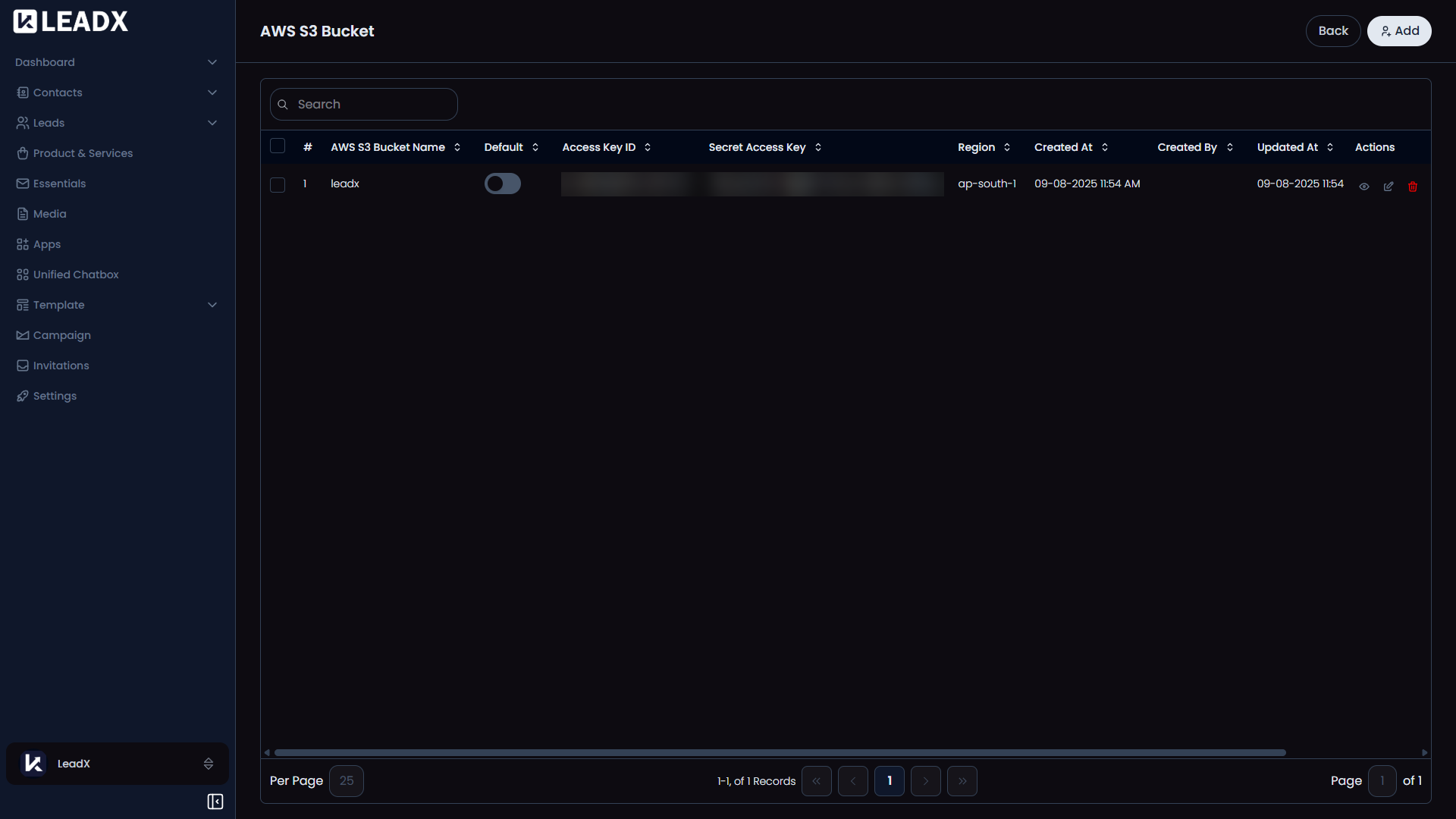
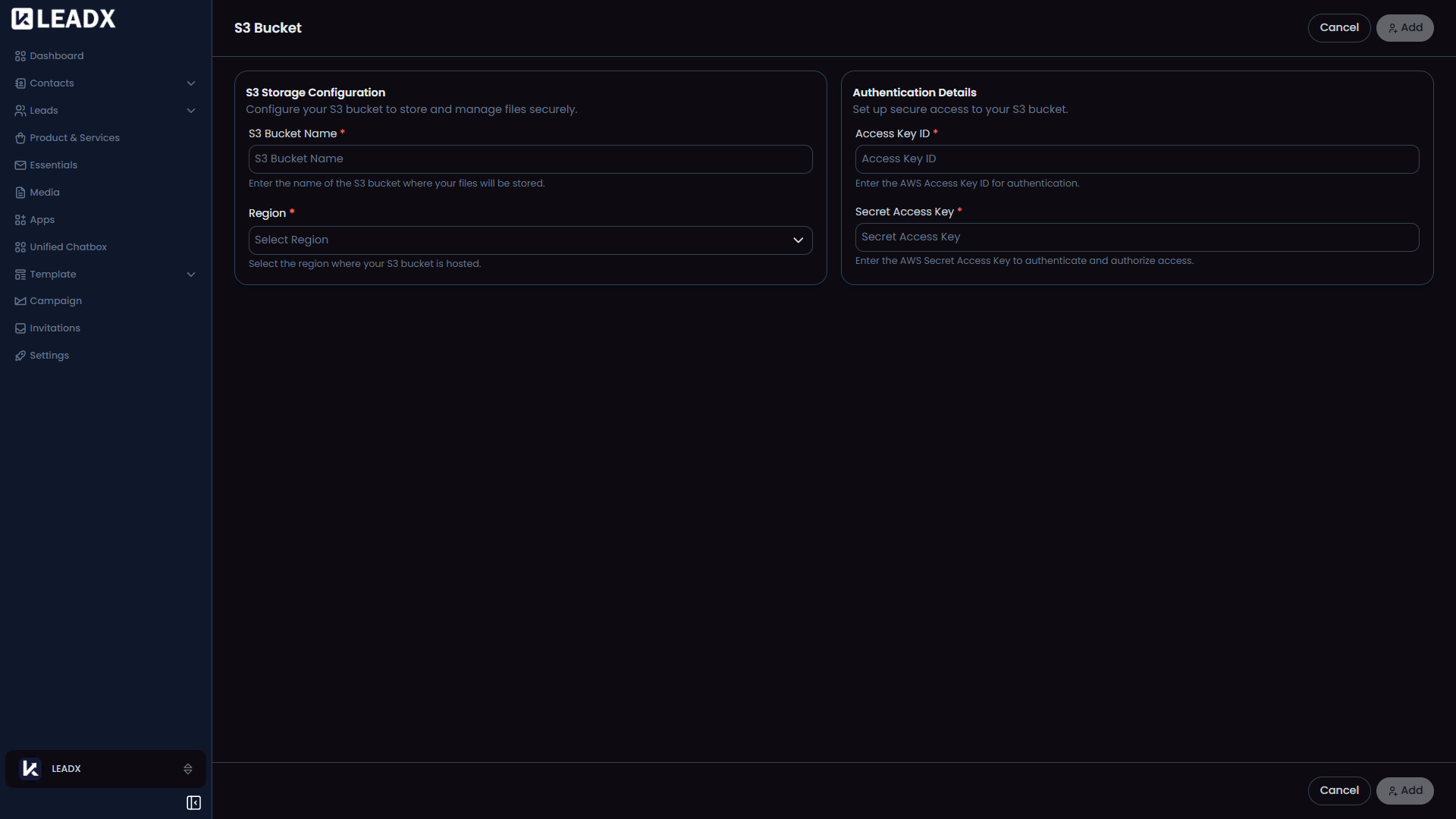
The AWS S3 page is where you connect your own AWS storage bucket to LeadX.
This is useful when you want your media files to be stored in your own AWS account instead of only using default storage.
What You Can Do On This Page
- Add an AWS S3 connection
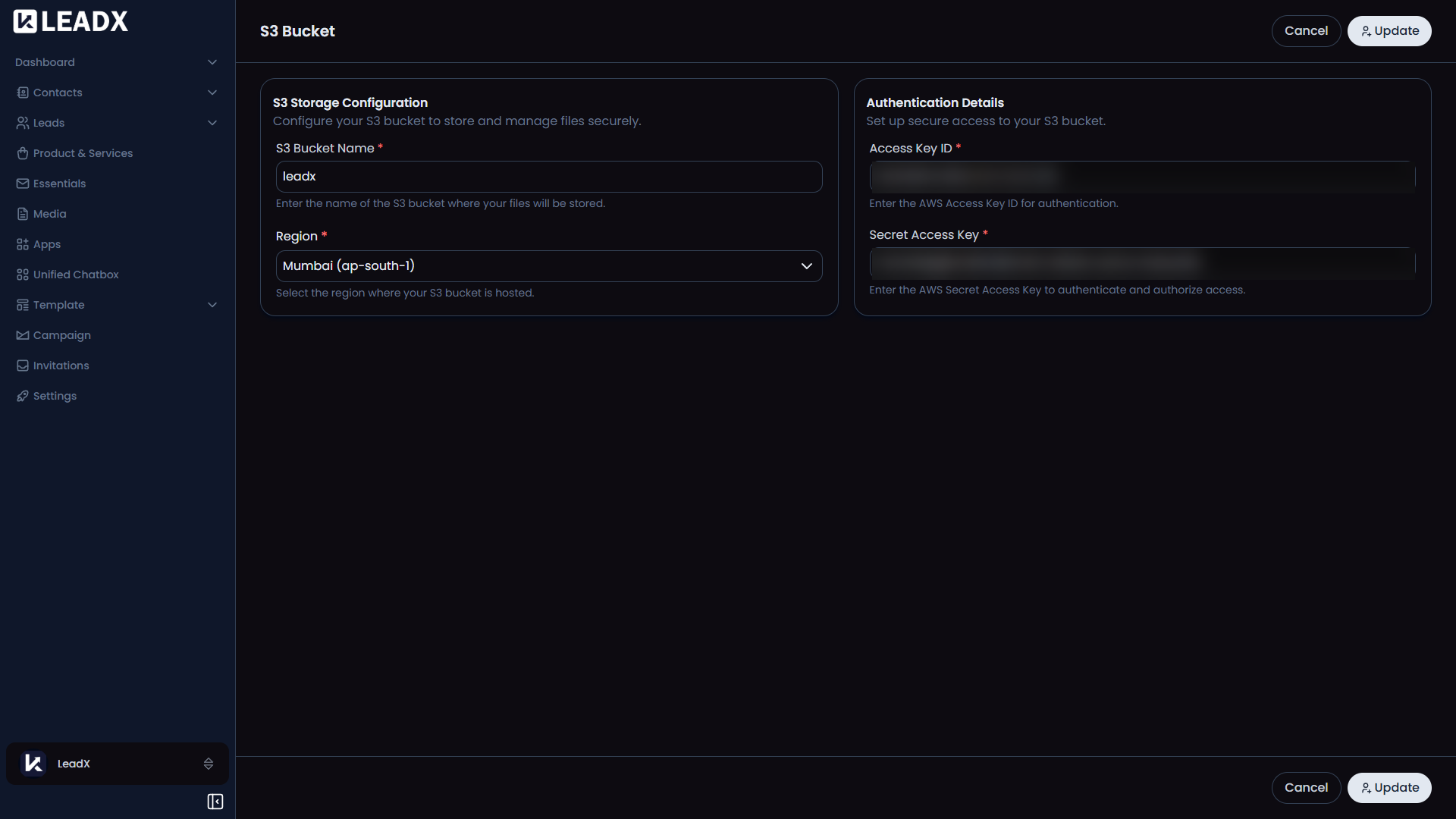
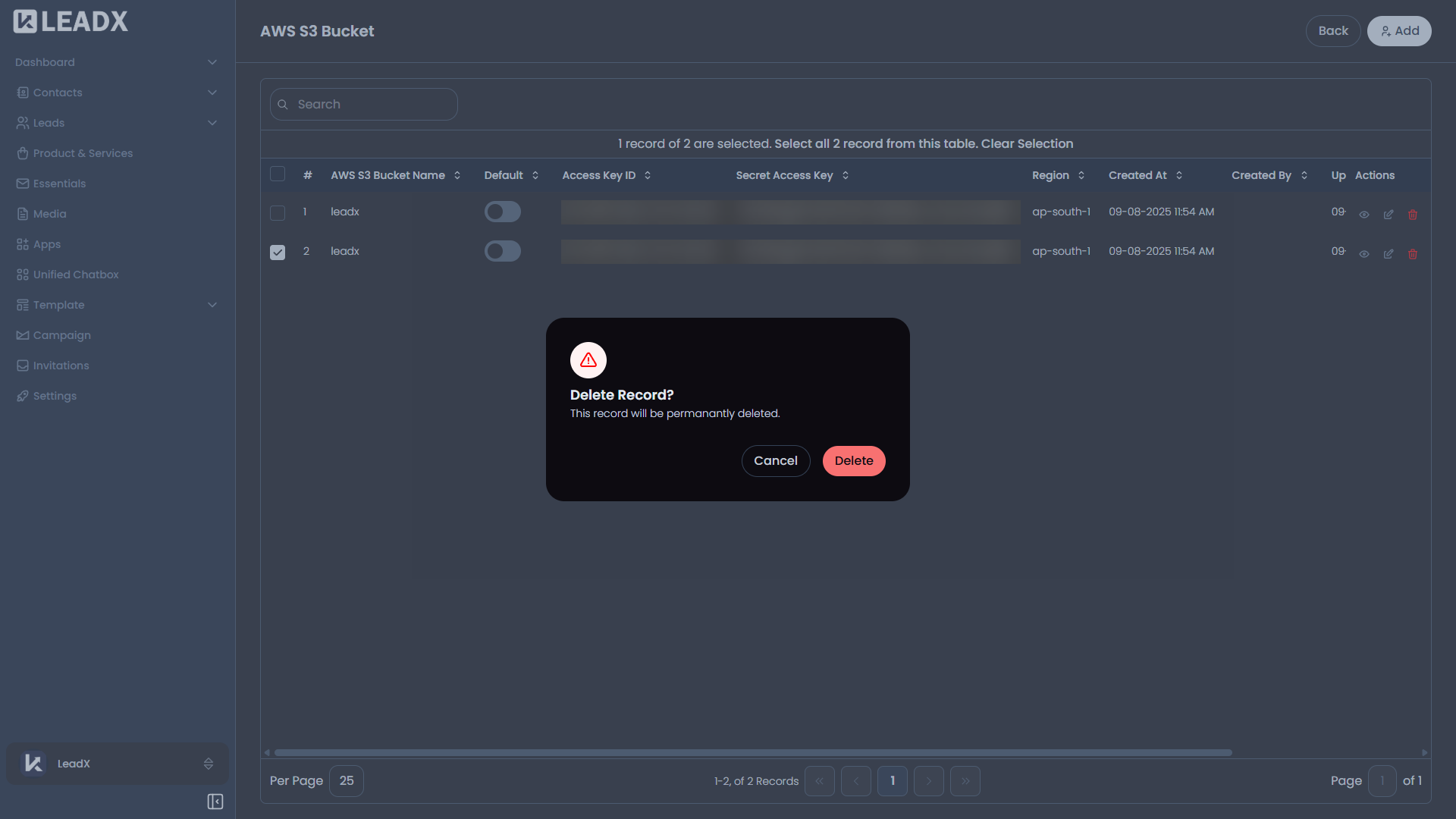
- View saved bucket connections
- Choose which bucket should be the default
Helpful Notes
- This app is mainly used for storing files from the Media section
- It gives businesses more control over where their files are stored
- One bucket is usually selected as the default storage location