OCR
Overview
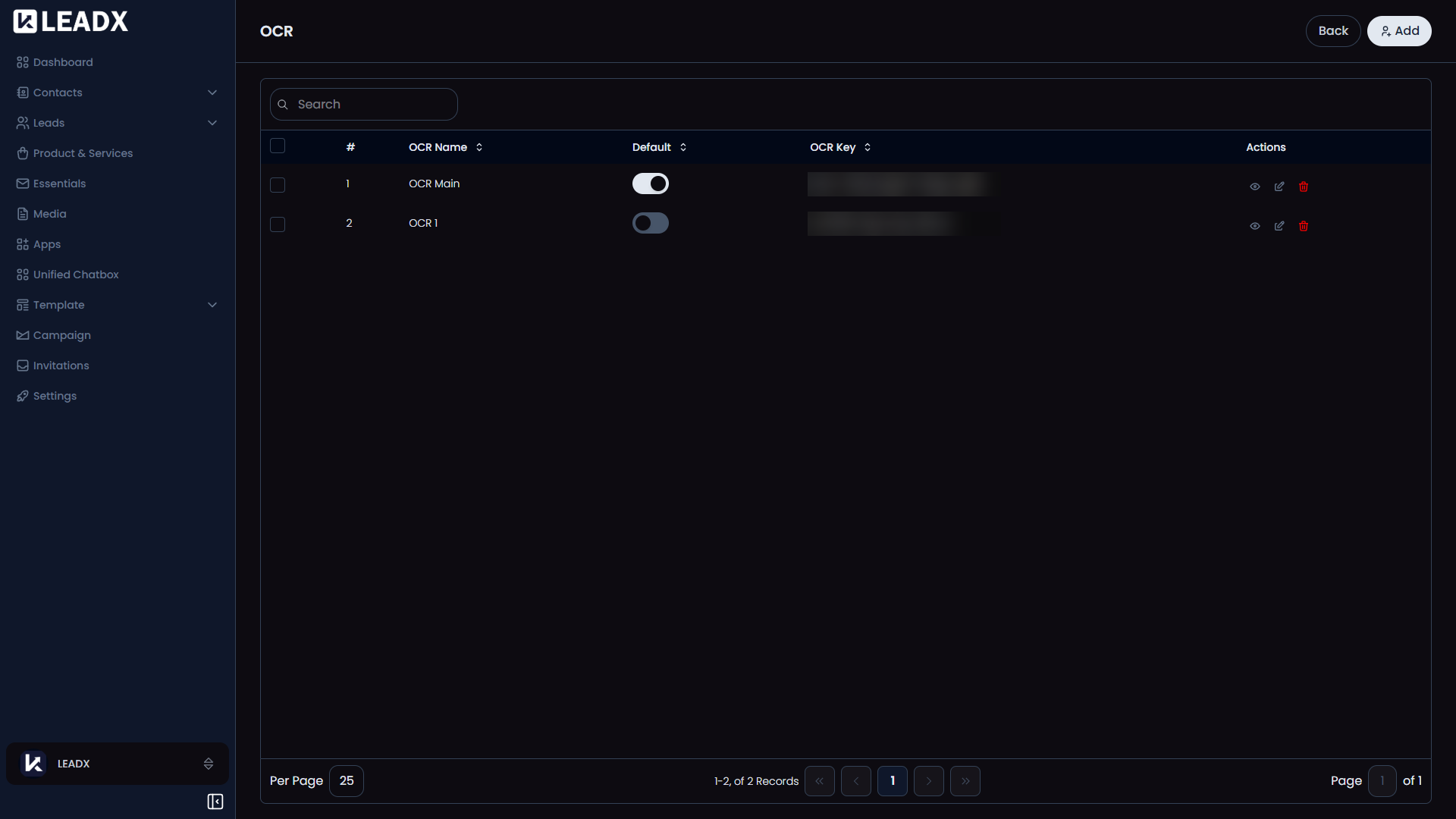
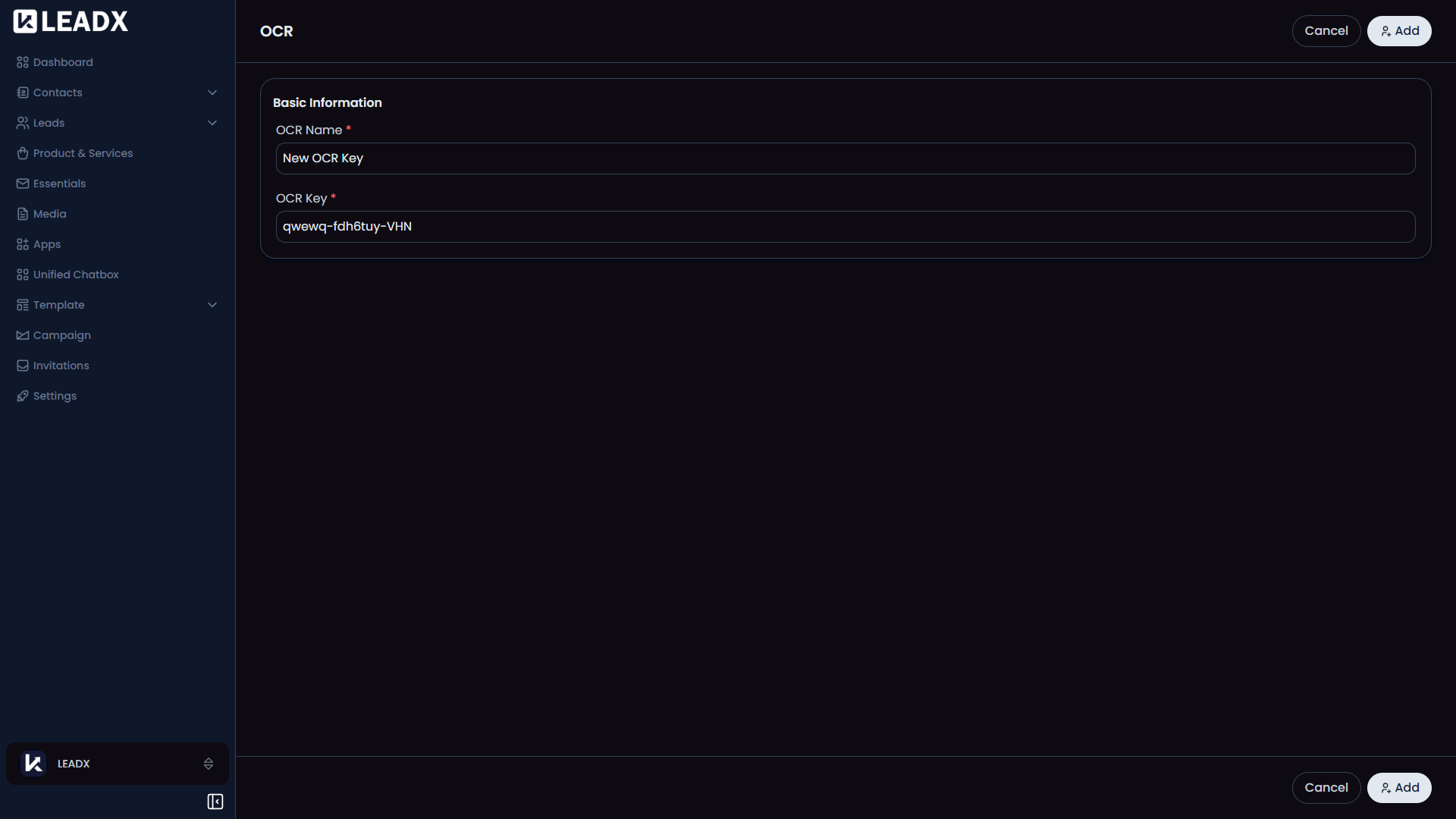
The OCR page is where you connect text-reading services to LeadX.
OCR means LeadX can read text from images or scanned files.
This is useful in features like business card scanning inside Essentials.
What You Can Do On This Page
- Add an OCR connection
- View saved OCR setups
- Choose which setup should be the default
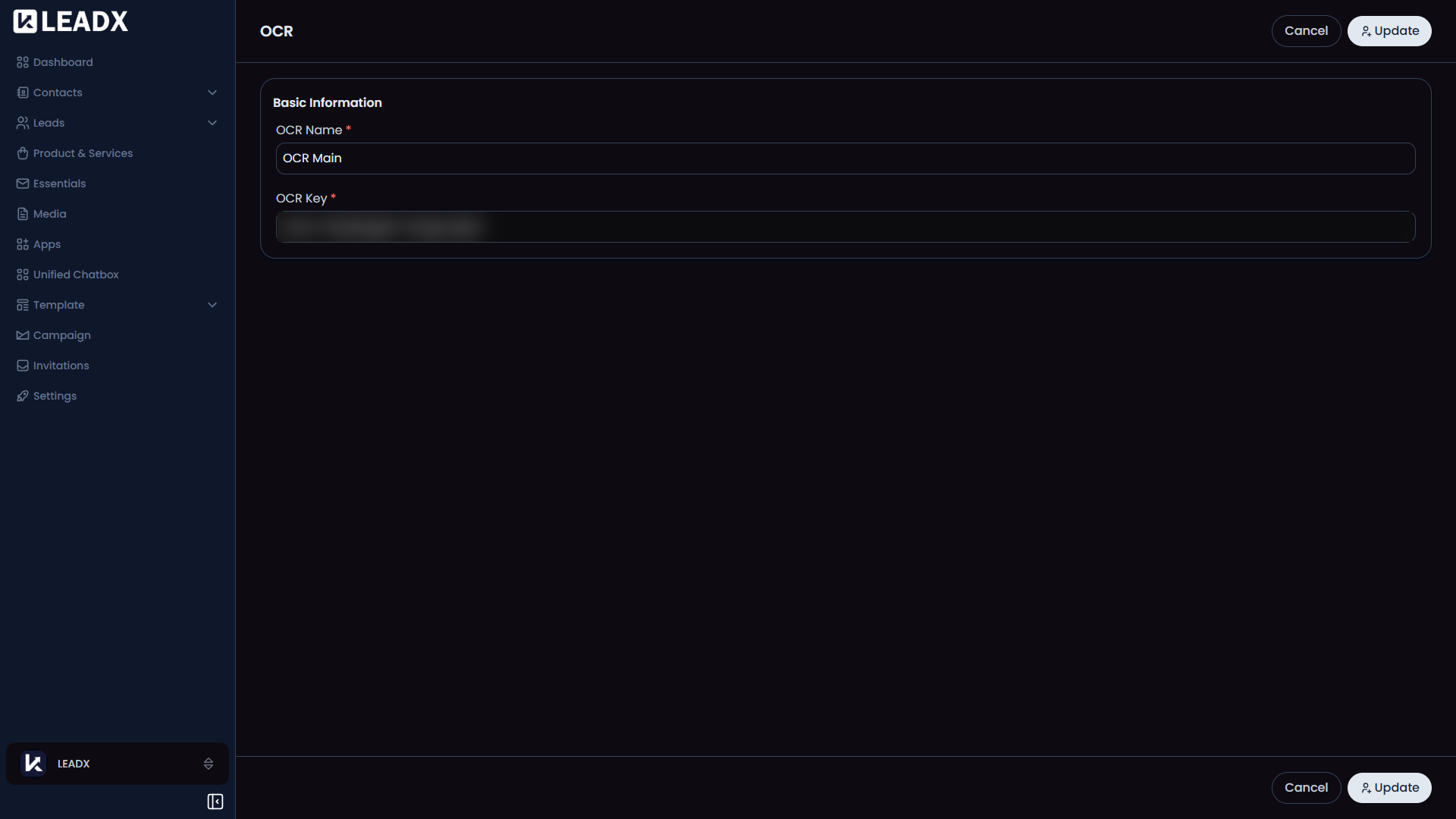
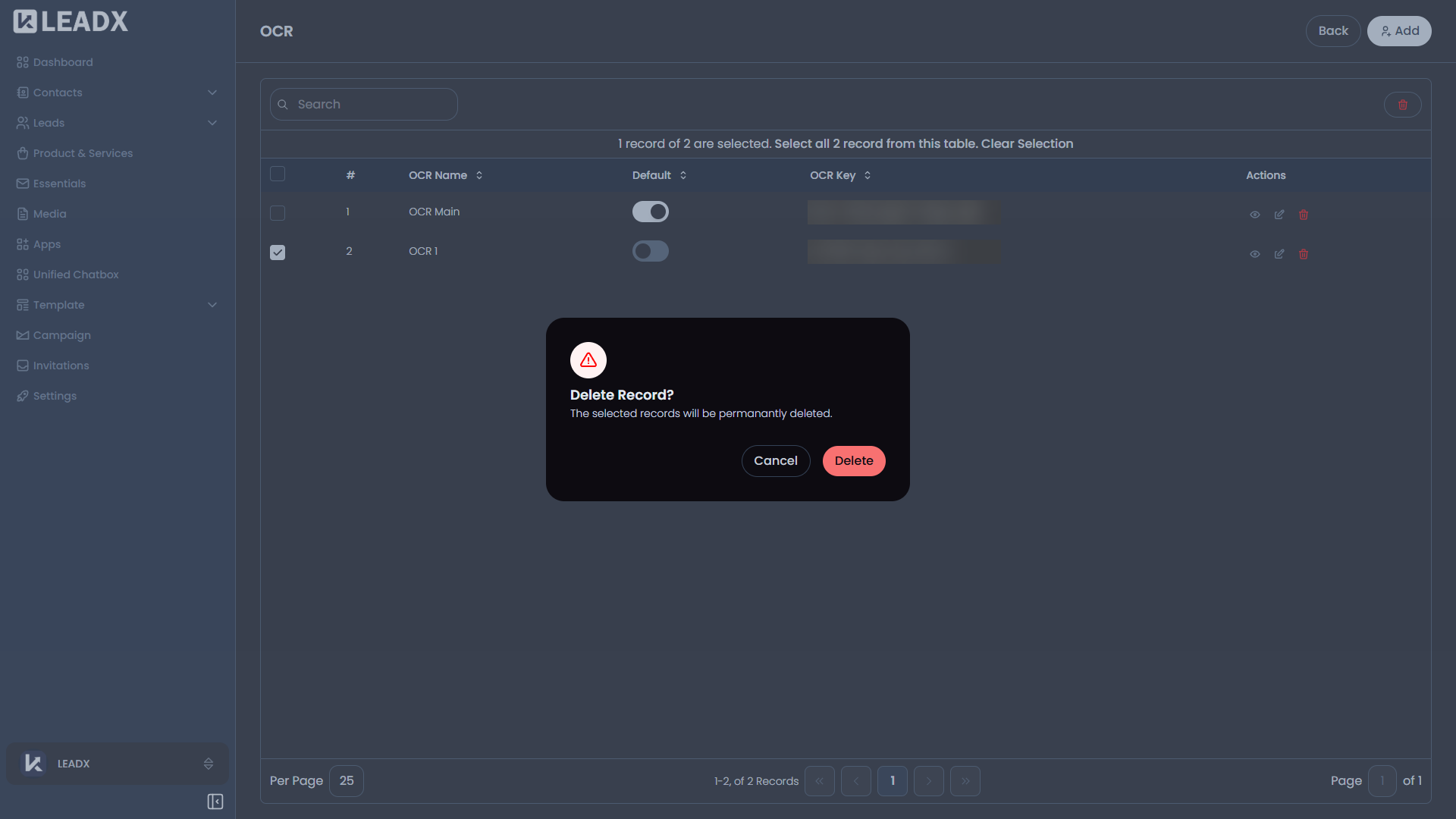
- Edit or manage OCR details when needed
Helpful Notes
- OCR is used when LeadX needs to turn image text into usable data
- It helps reduce manual typing in scan-based workflows
- One OCR setup is usually selected as the default for features that need it