Media
Overview
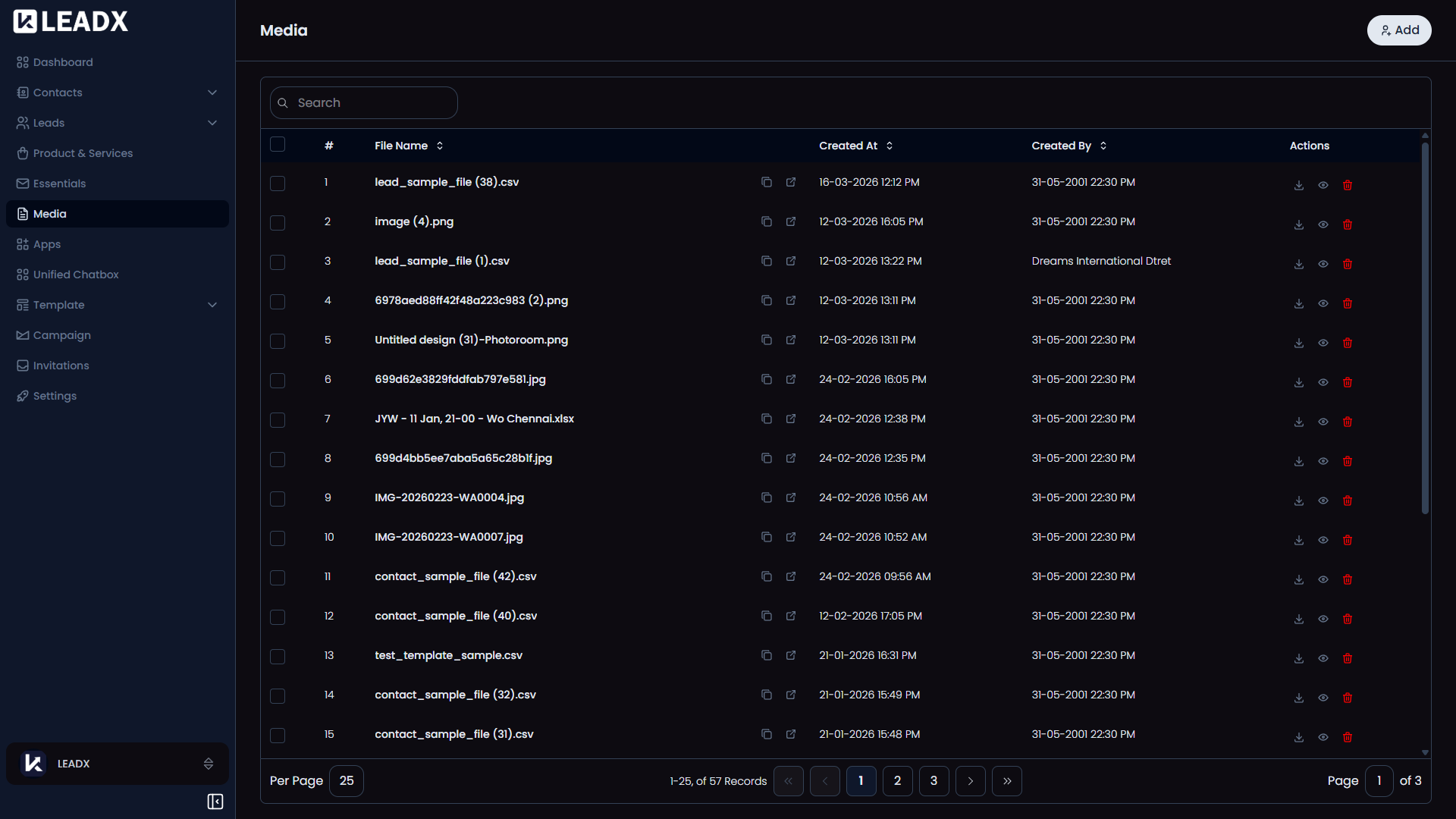
The Media page is your file library inside LeadX.
It stores uploaded images, documents, and other files in one place so you can reuse them later wherever files are needed.
This means you do not always need to upload the same file again and again. You can choose from files you already uploaded or add a new one when needed.
How To Open Media
Go to Sidebar > Media.
What You Can Do On This Page
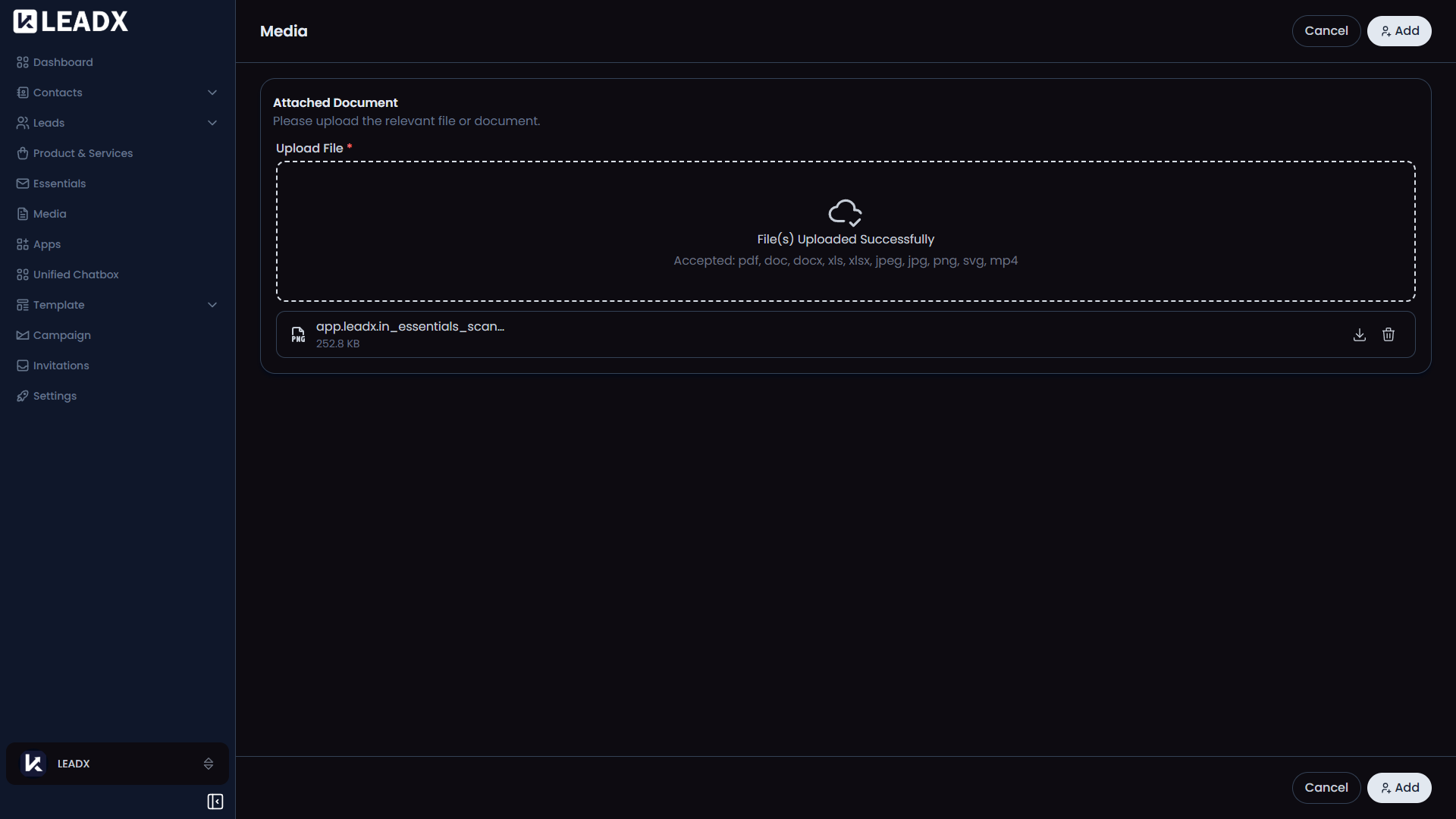
- Upload new files
- View previously uploaded files
- Open or download files
- Copy file links when needed
- Delete files you no longer want to keep
Main Parts Of The Page
Top Section
At the top of the page, you will see an Add button to upload a new file.
Media List
The main area shows all your saved media files in one place.
From the list, you can open, download, copy, view, or delete files.
Helpful Notes
- Media works like a shared storage area for your workspace
- Files uploaded here can be reused in other parts of LeadX
- This saves time and keeps your file library organized