Leads
Overview
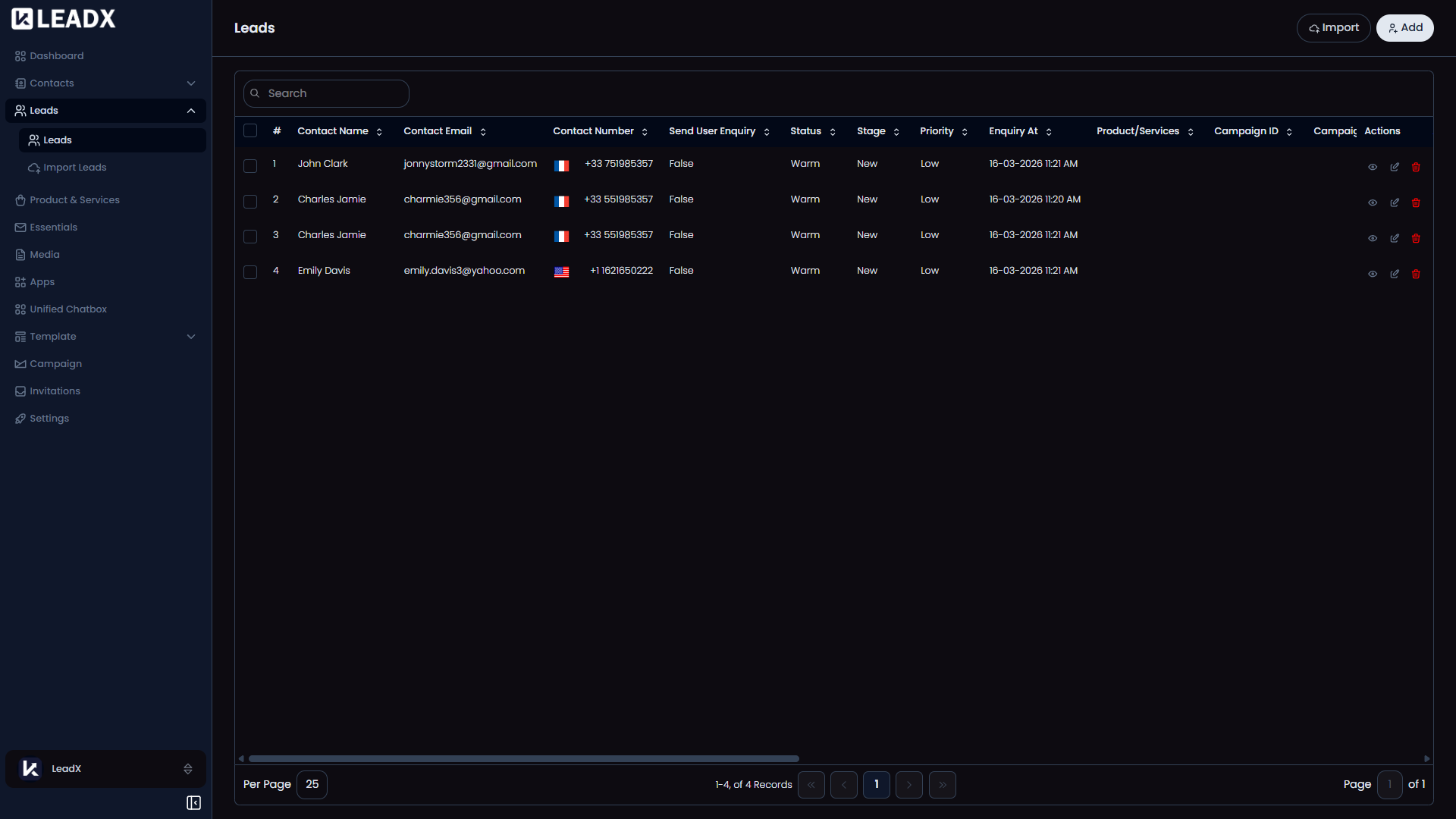
The Leads page is where you manage business opportunities and enquiries.
A single contact can have more than one lead. For example, the same person might contact your business once for Website Development and later again for Marketing Services.
This means one contact record can be linked to multiple leads, depending on what they are interested in.
How To Open Leads
Go to Sidebar > Leads > Leads.
What You Can Do On This Page
- View all leads in one place
- Search and sort leads
- Add a new lead
- Import multiple leads at once
- Open a lead to view or update its details
- Delete leads you no longer need
Main Parts Of The Page
Top Section
At the top of the page, you will see:
Lead List
The main area shows your leads in a table.
Depending on your workspace setup, you may see different columns. This helps your team track the details that matter most for each enquiry or opportunity.
Helpful Notes
- A lead is not the same as a contact
- A contact is the person or company, while a lead is the opportunity or enquiry connected to them
- Leads can also include related Product & Services so your team can quickly understand what the enquiry is about