Delete Lead
Overview
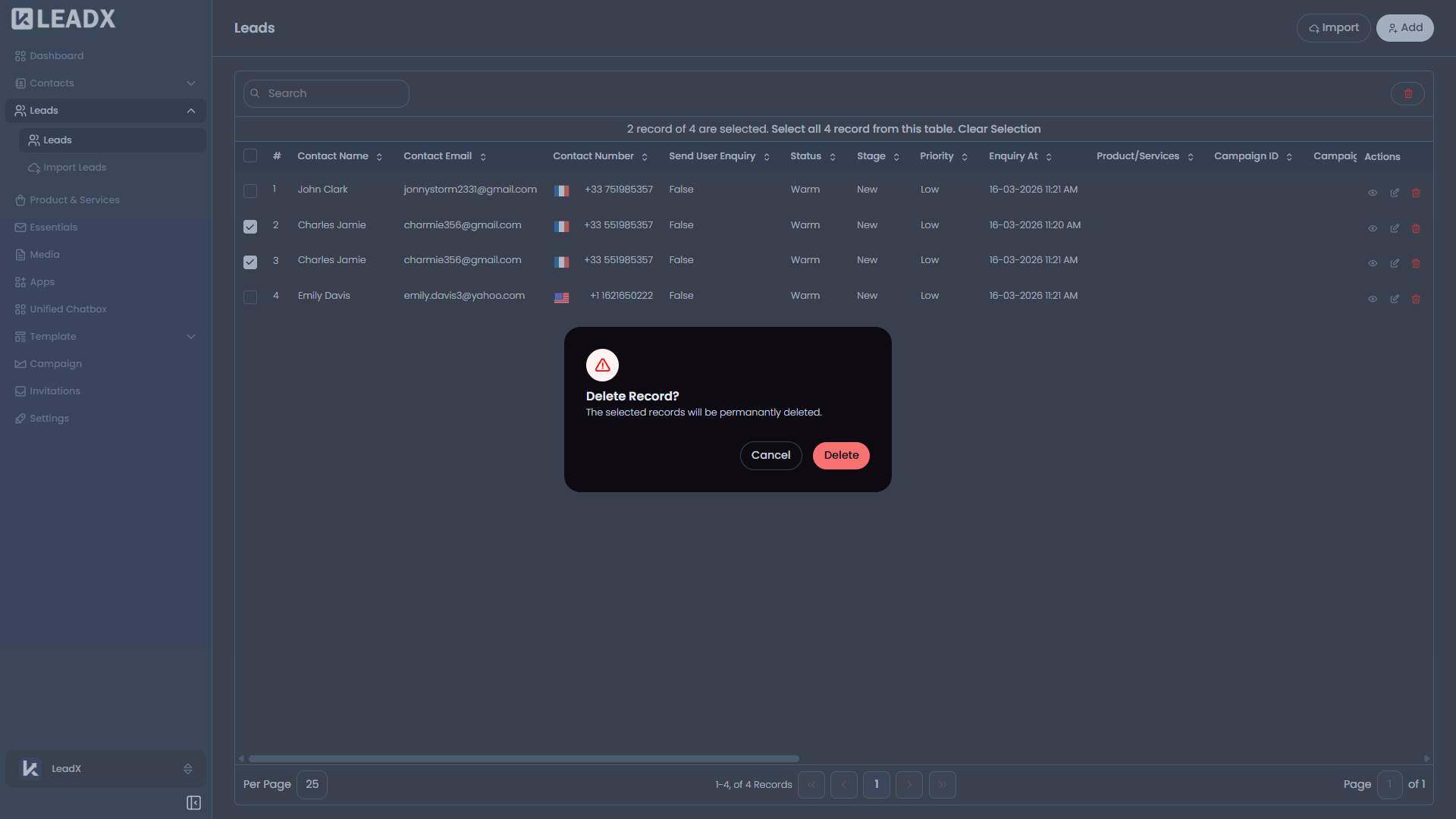
Lead deletion is done from the Leads list, not from a separate form page.
How To Delete A Lead
- Open the Leads page.
- Click
Deleteon a row, or select multiple rows for bulk delete. - Review the confirmation popup.
- Confirm to remove the selected lead record or records.
Important Notes
- Only users with delete access can do this.
- LeadX uses a confirmation popup before removing the record.