Lead Activities
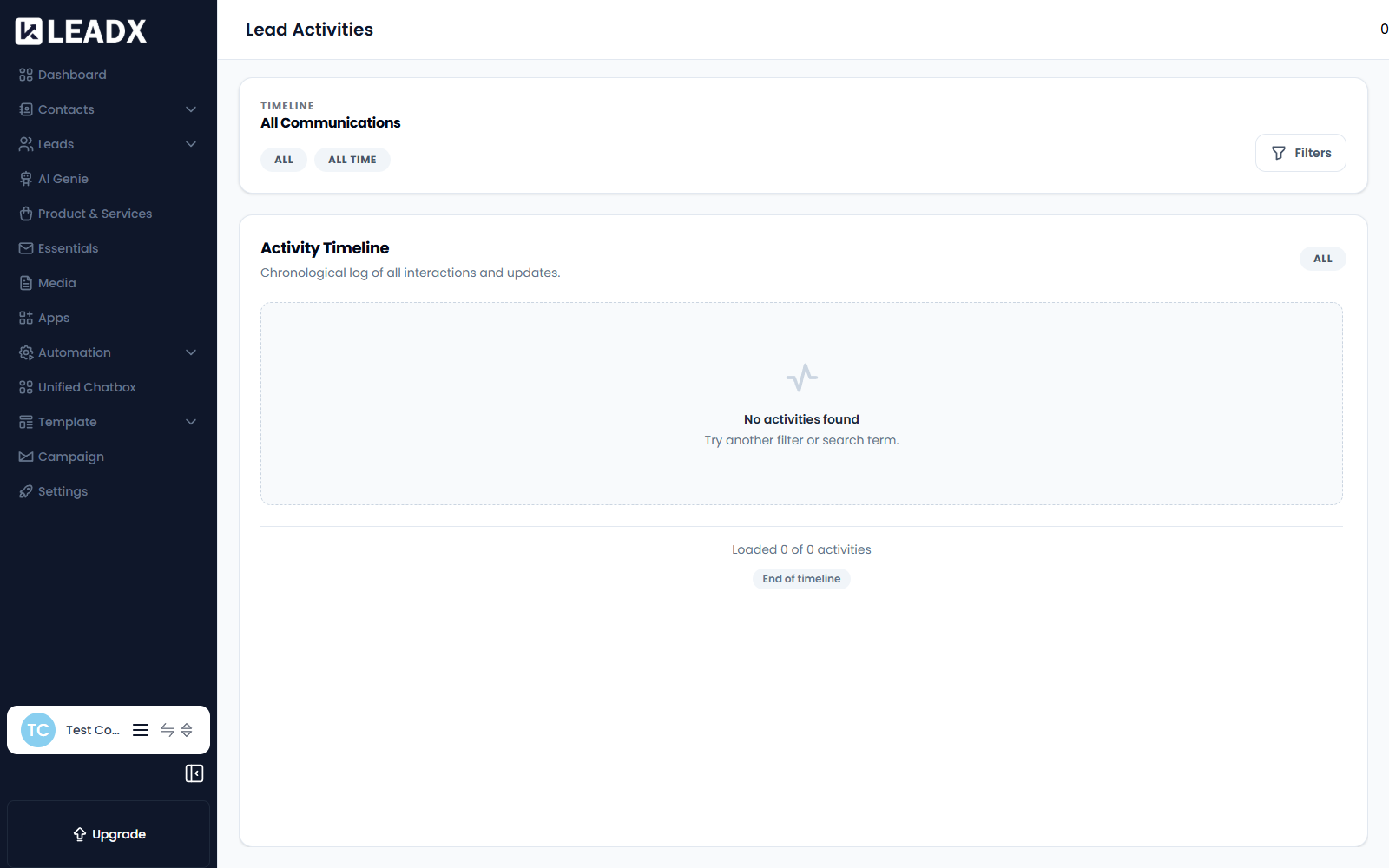
Overview
Lead Activities is the chronological log of everything that has happened with your leads — every interaction and every update, newest first.
Where the Leads page shows you the current state of each lead, this page shows you the history: what was sent, what came back, and what changed.
Access
- Navigation path:
Sidebar > Leads > Lead Activities - Route:
/lead-activities - Access: available to users who can view lead activities.
What's On The Page
All Communications
Every message exchanged with your leads, across each channel you use — email, WhatsApp and chat.
Activity Timeline
Chronological log of all interactions and updates.
Alongside messages, the timeline records changes to the leads themselves, so you can see when a lead moved stage, changed owner, or had its details updated.
Filtering
Use Filters to narrow the timeline down — by date range, channel, or the leads you care about.
If a filter returns nothing, the page suggests "Try another filter or search term."
Helpful Notes
- This page is read-only. It records what happened; to change a lead, open it from Leads.
- Activity appears here regardless of what created it — a message you sent by hand, a Campaign, an AI Genie run, or a Workflow.
- It is the quickest way to answer "has anyone actually contacted this lead yet?" before reaching out again.