Edit Campaign
Overview
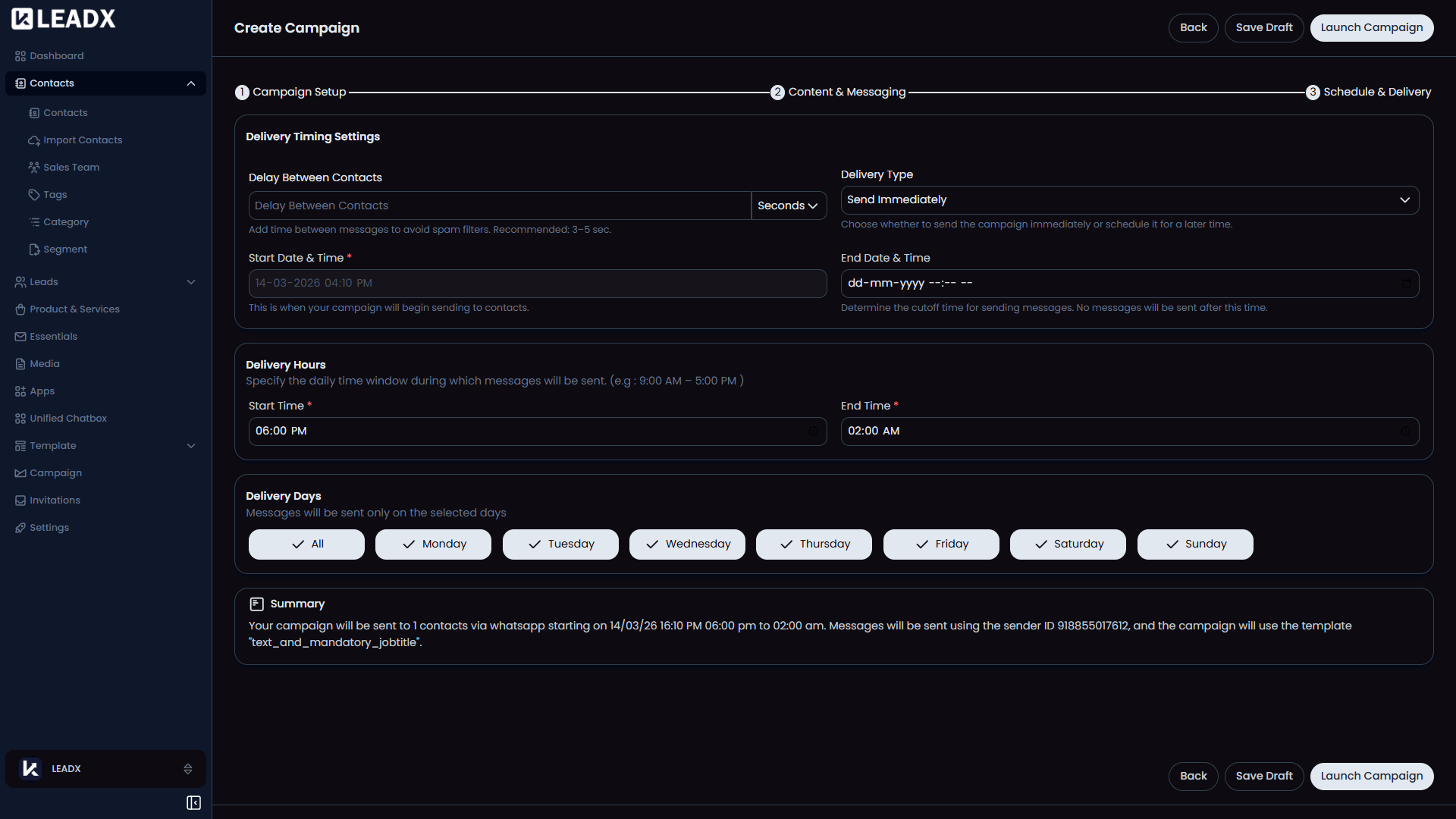
The Edit Campaign page opens an existing campaign so the user can review or change its setup. It uses the same step-by-step layout as the add page.
Access
- Route:
/create-campaign/:id - Access: available to users who can edit campaigns.
What Users Can Do
- update campaign details
- change content or template choices
- adjust schedule settings
- continue editing from the appropriate step
Helpful Notes
- Existing campaign values are loaded automatically.
- LeadX adjusts date and time values so they are easier to review in the interface.
- The page may open directly on a later step if earlier setup is already complete.