Add, Edit, And Delete Product & Services
Overview
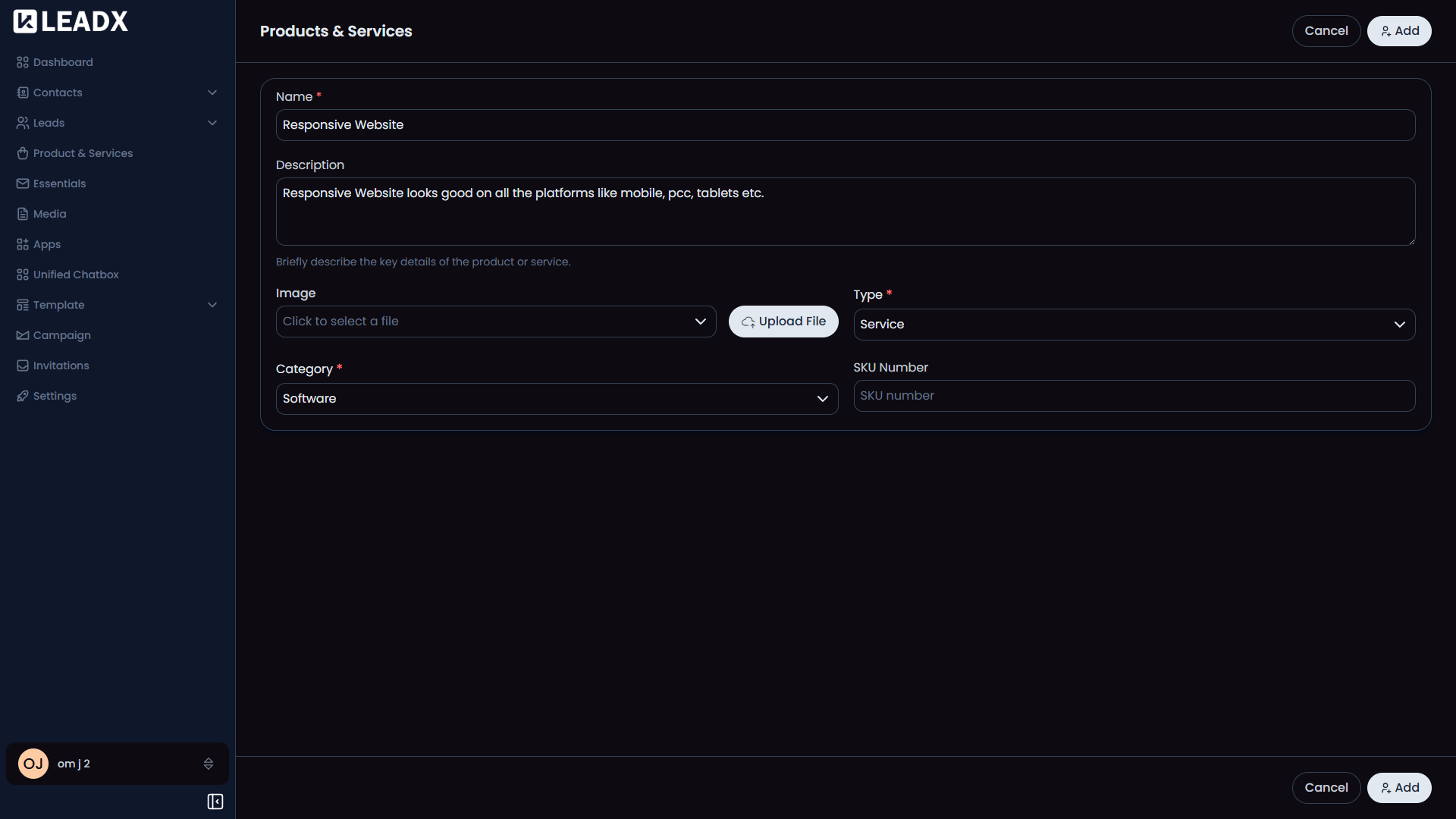
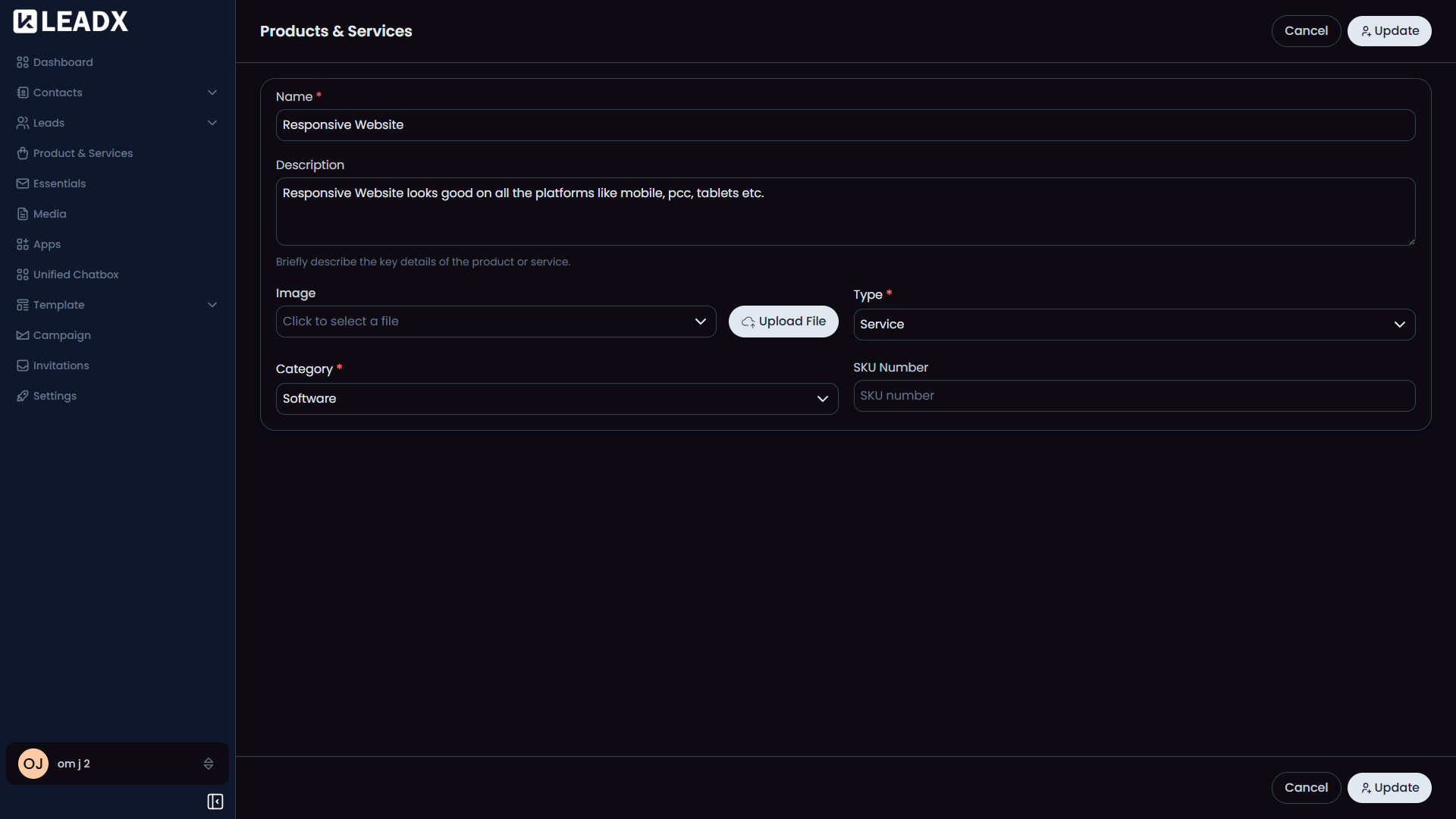
LeadX uses one shared form for adding, editing, and viewing product or service records. The exact fields depend on the Product & Service Fields settings for the workspace.
Access
- Add:
/add-product-service - Edit:
/edit-product-service/:id - View:
/view-product-service/:id
What Users Can Do
- add a new product or service
- update an existing record
- open a record in read-only mode
- return to the list after saving
Form Behavior
- In add mode, the main button is
Add. - In edit mode, the main button is
Update. - In view mode, the form is read-only.
CancelorBackreturns to the Product & Services list.
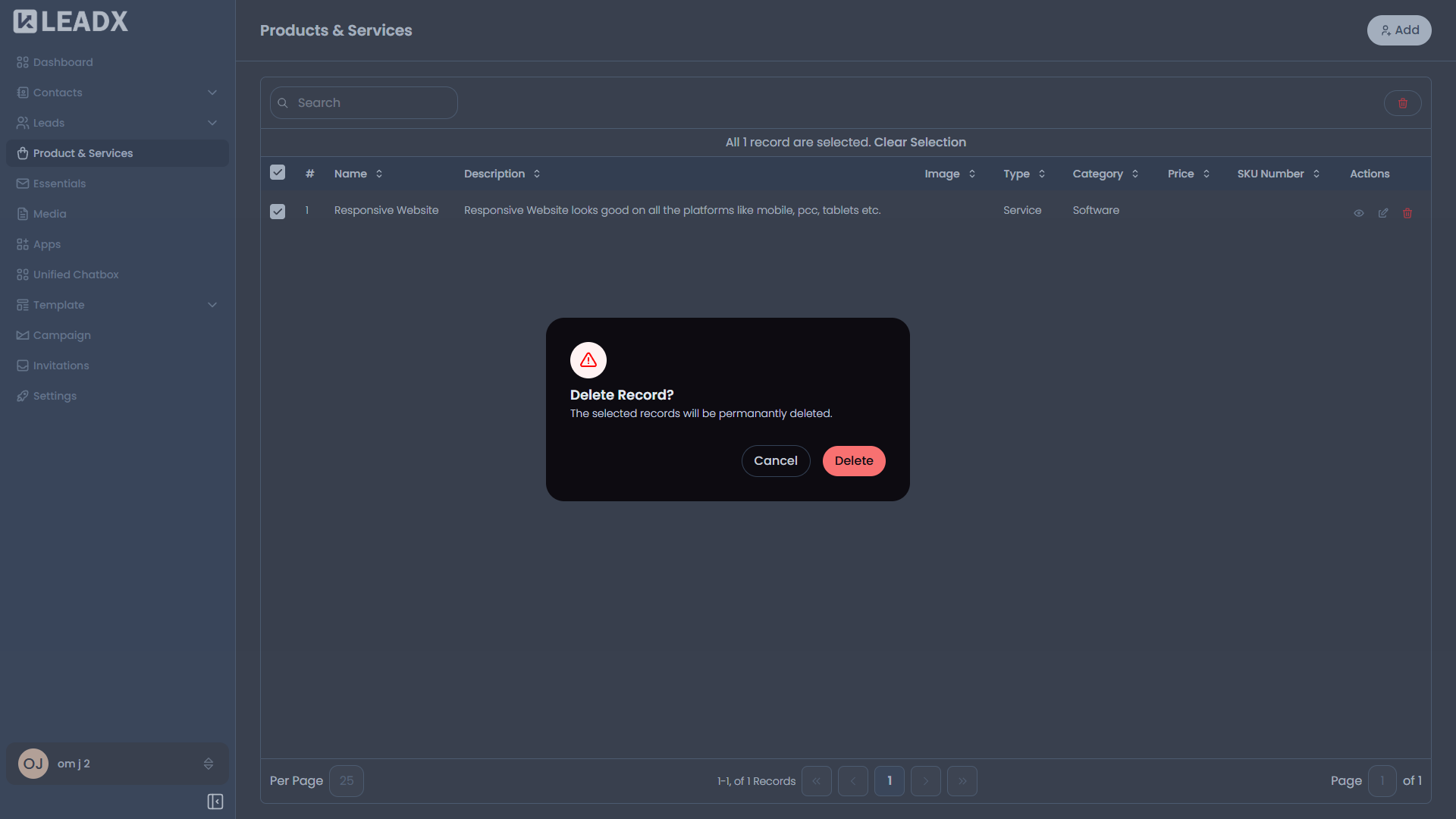
Delete
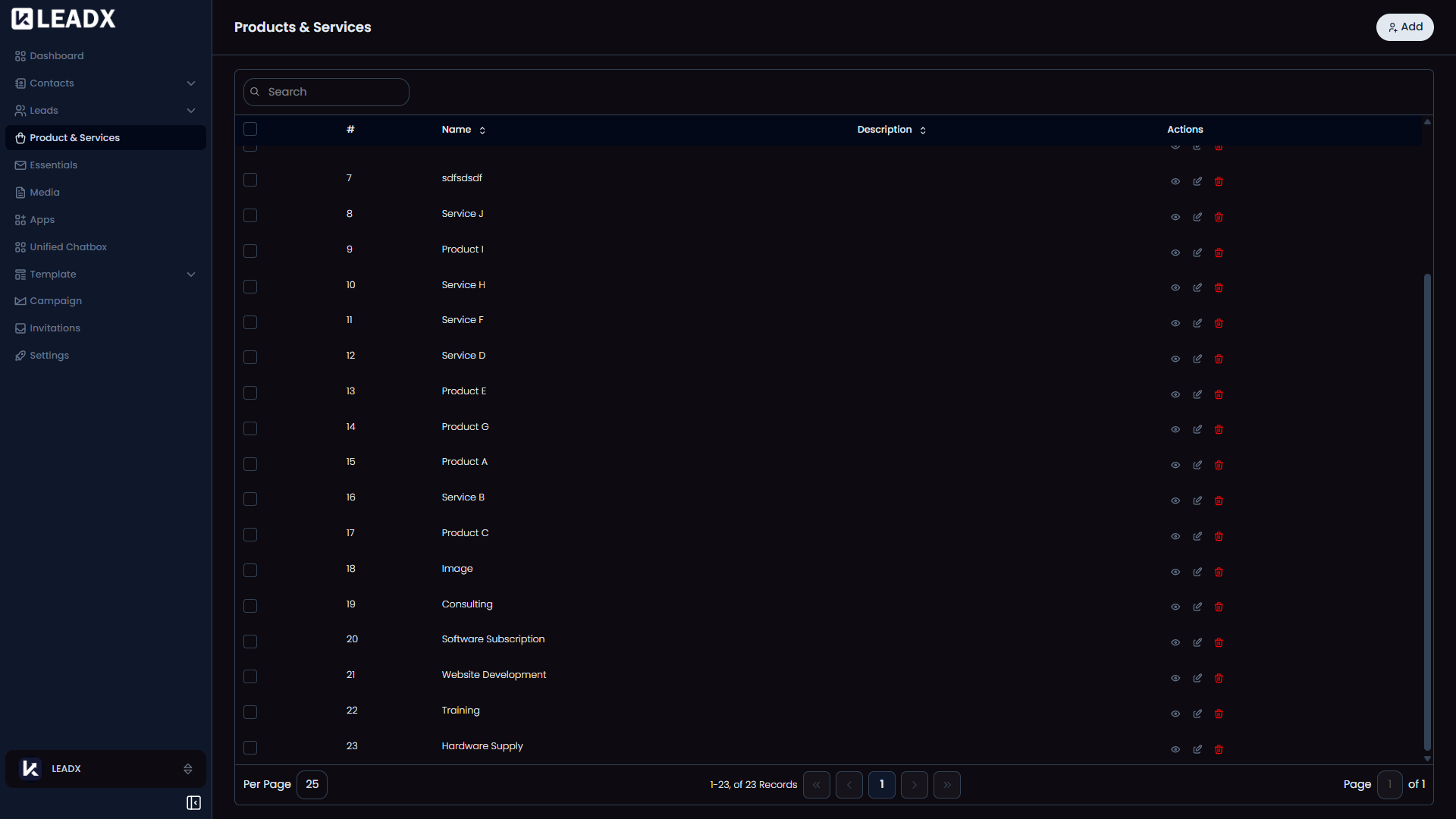
Deletion happens from the Product & Services list.
- Open the Product & Services page.
- Click
Deleteon the row you want to remove. - Confirm the action in the delete popup.