AI Onboarding
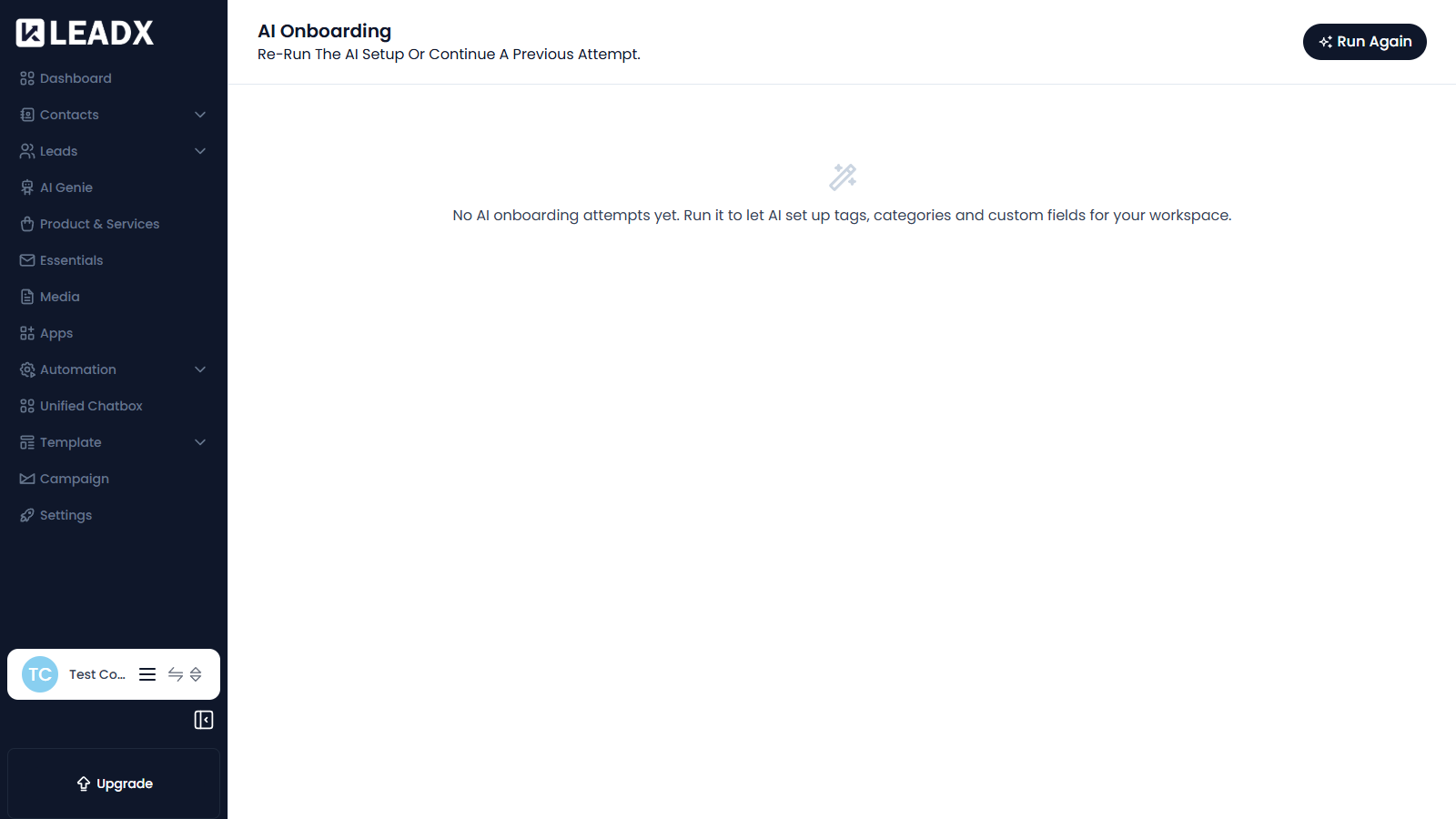
Overview
AI Onboarding lets AI set up your workspace for you. Instead of creating everything by hand, it can create the tags, categories and custom fields that suit your business.
This page is where you re-run that setup or continue a previous attempt.
Access
- Navigation path:
Sidebar > Settings > Onboarding Settings > AI Onboarding - Route:
/ai-onboarding-settings - Access: available to every member.
What Users Can Do
- run the AI setup for the workspace
- continue an earlier attempt that was not finished
- review previous onboarding attempts
Steps To Run AI Onboarding
- Click
Run Again. - Answer the questions about your business.
- Review what the AI proposes to create.
- Confirm to apply it to your workspace.
Helpful Notes
- Before you run it, the page shows No AI onboarding attempts yet.
- Running it creates tags, categories and custom fields in your workspace, so review the proposal before confirming.
- You can still add or edit any of these by hand afterwards.