White Labelling
Overview
White Labelling replaces LeadX branding with your own. Once configured, your logos appear in the app and on the emails LeadX sends, so the CRM looks like your own product to your team and your customers.
Access
- Navigation path:
Sidebar > Settings > Company Settings > White Labelling - Route:
/white-labelling - Access: depends on your subscription — white labelling is a plan feature.
What You Can Set
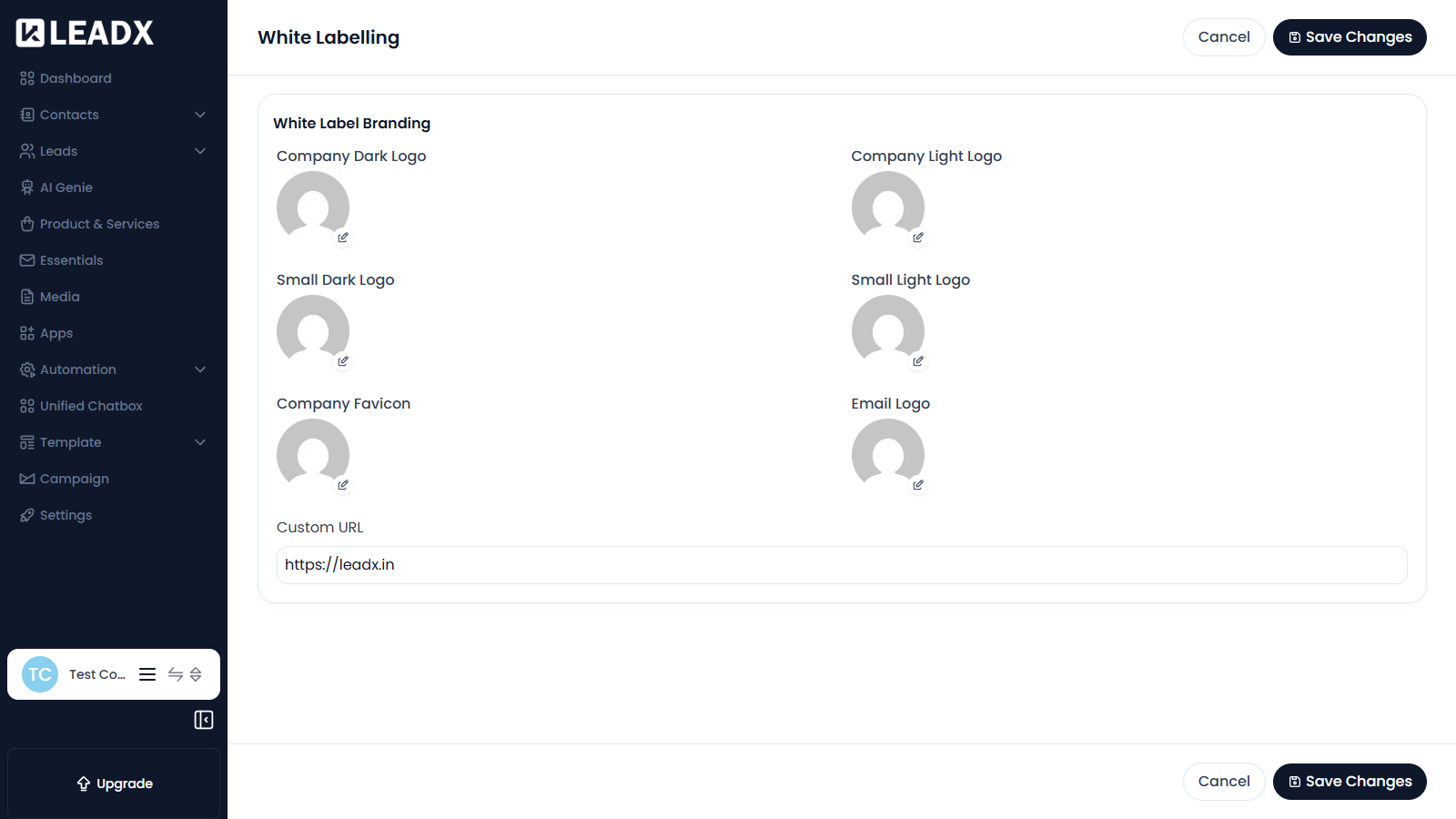
Under White Label Branding you can upload:
- Company Dark Logo
- Company Light Logo
- Small Dark Logo
- Small Light Logo
- Company Favicon
- Email Logo
You can also set a Custom URL so the app is reached on your own web address.
Steps To Apply Your Branding
- Upload each logo you want to replace.
- Enter your custom URL if you are using one.
- Click
Save Changes.
Use Cancel to discard your edits without saving.
Helpful Notes
- Light and dark versions exist so your logo stays readable in both app themes.
- The small logos are used where space is limited, such as the collapsed sidebar.
- If white labelling is not part of your plan, this page will not appear in the sidebar.