Partner Program
Overview
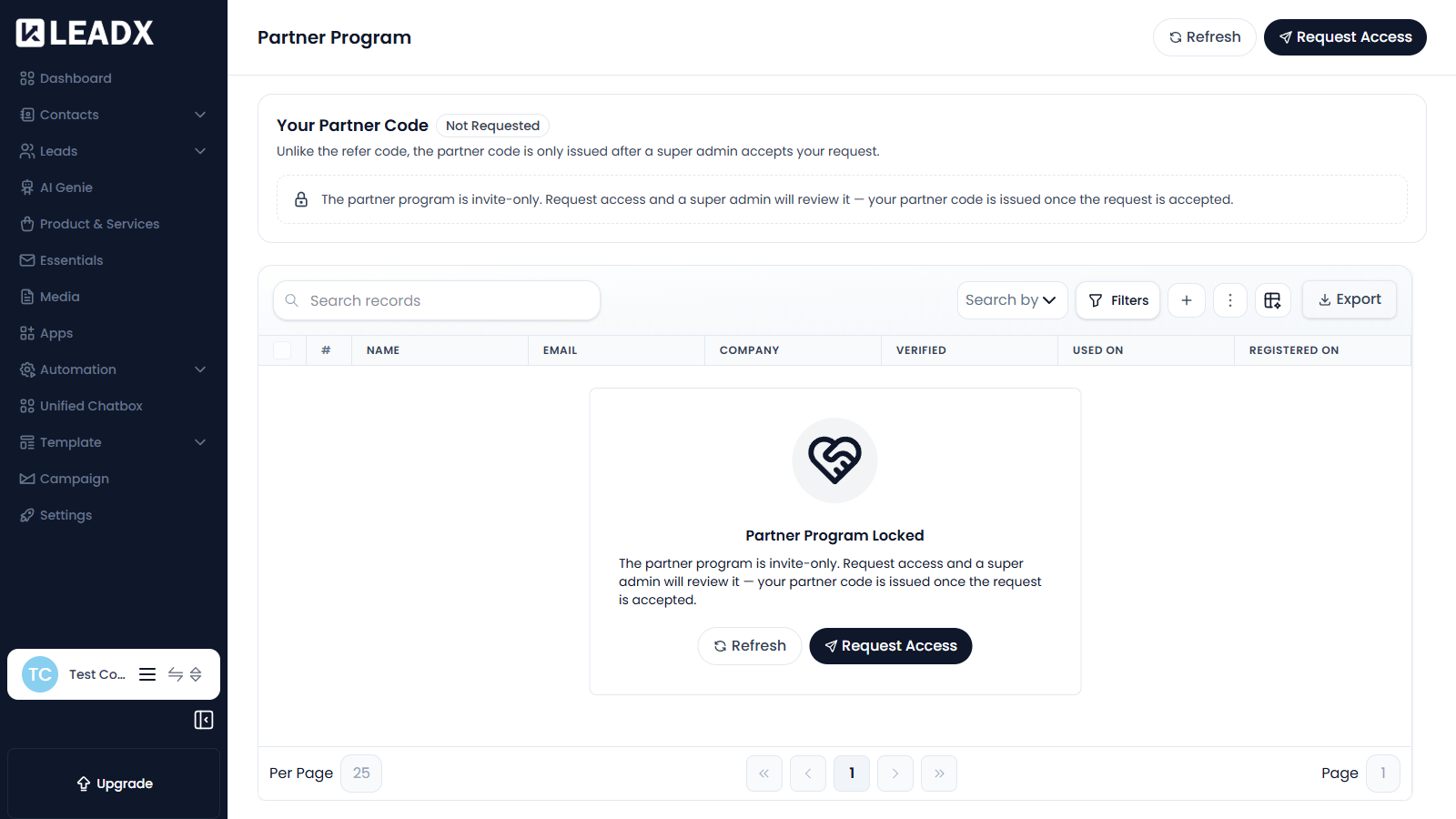
The Partner Program is the invite-only counterpart to the Refer Program. Unlike the refer code, which every account gets automatically, a partner code is only issued after a super admin accepts your request.
Access
- Navigation path:
Sidebar > Settings > Referral Program > Partner Program - Route:
/partner-program - Access: available to every member, but the code itself must be granted.
Your Partner Code
The status shown at the top tells you where your request stands, starting at Not Requested.
Steps To Request Access
- Click
Request Access. - Complete the request.
- Wait for a super admin to review it.
- Once accepted, your partner code is issued and appears on this page.
Use Refresh to check whether your request has been reviewed.
Table Details
Once you have a partner code, referrals are listed with:
- Name
- Company
- Verified
- Used On
- Registered On
Helpful Notes
- Until your request is accepted the page shows Partner Program Locked.
- Your refer code keeps working while your partner request is being reviewed.